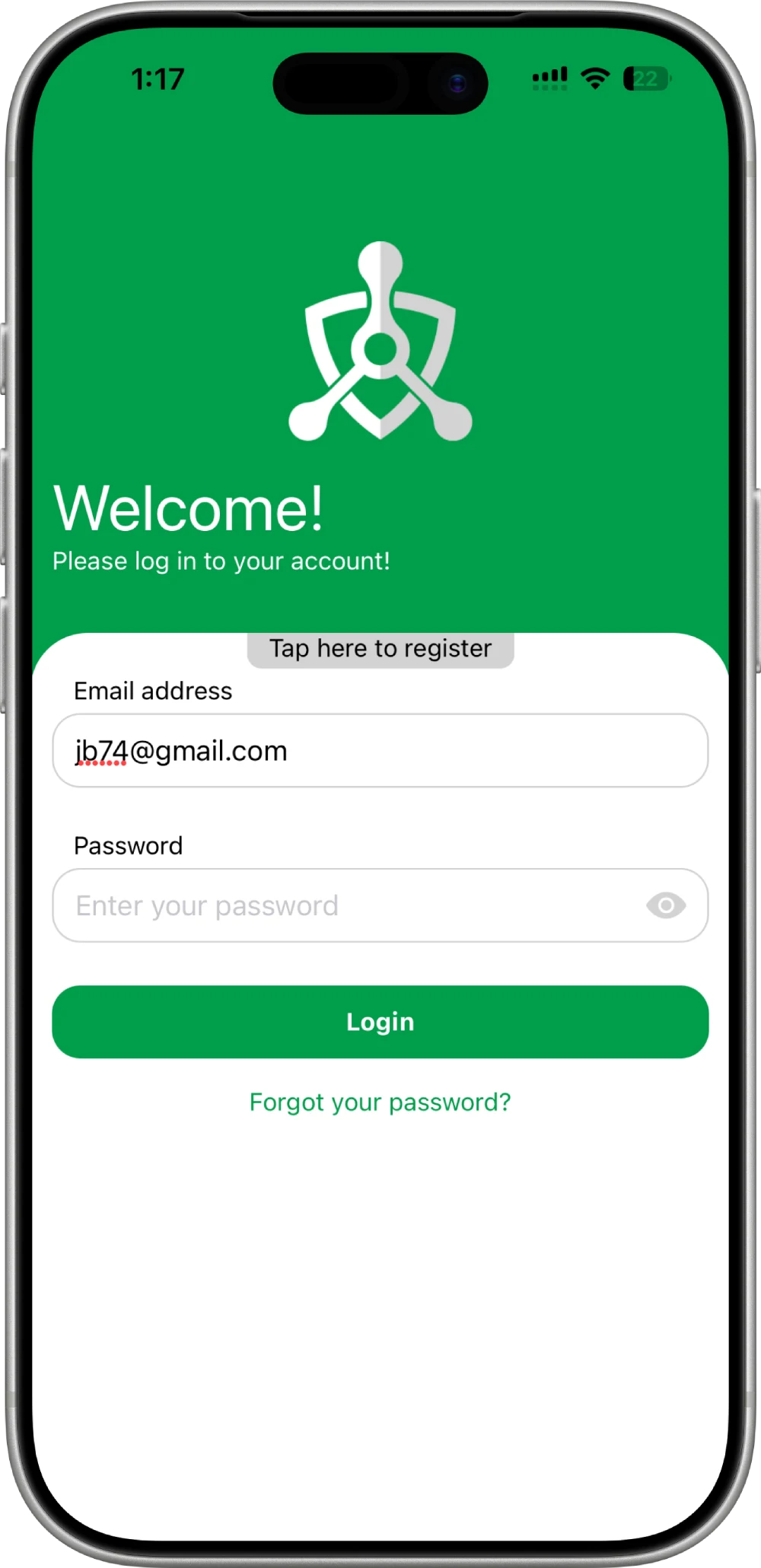
The administrator creates the guard account before mobile login.
Each guard should use an individual account.
The first login uses the temporary password created by the administrator.
The temporary password must be replaced with a new password.
The new password must be entered twice.
The old temporary password confirms the password change.
A guard should only start the shift after arriving at the workplace.
Shift start requires a press-and-hold confirmation.
Patrol tasks appear inside the active shift.
A patrol task can include GPS checkpoints, QR-code checks, and other subtasks.
GPS checkpoint verification requires location access on the mobile device.
The task map shows the checkpoints assigned by the administrator.
Application Usage is the final onboarding step.
Security isn't logged. It's proven.
If it isn't verified, it didn't happen.
Real patrols. Real data. Real proof.