Guard Tour System Screenshots & Patrol App Preview
See how a modern security guard patrol system works in real operations: web dashboard screens, mobile guard app views, QR checkpoint verification, GPS context, incident reporting, supervisor dashboard views, and client-ready patrol proof.
Click any screenshot or image to open the full-size version in a new tab.
This product tour shows how a modern security guard patrol system works in practice: mobile patrol tasks, QR checkpoints, GPS context, incident reporting, supervisor dashboard views, and client-ready patrol records.
Web dashboard and supervisor views
These screenshots show the actual operational layers behind the guard tour system: performance review, Trinity Agent, vehicle logging, service planning, site setup, and QR checkpoint configuration.
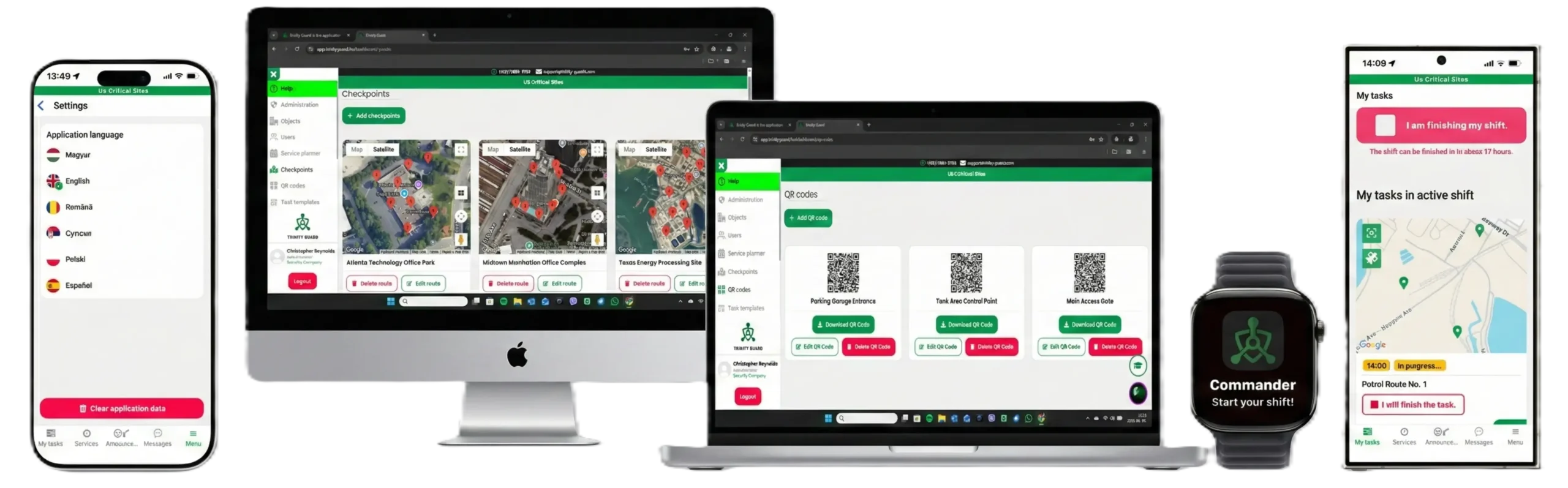
Multi-device dashboard view
Supervisor dashboard and mobile interface shown together for patrol verification and operational review.
Open full image →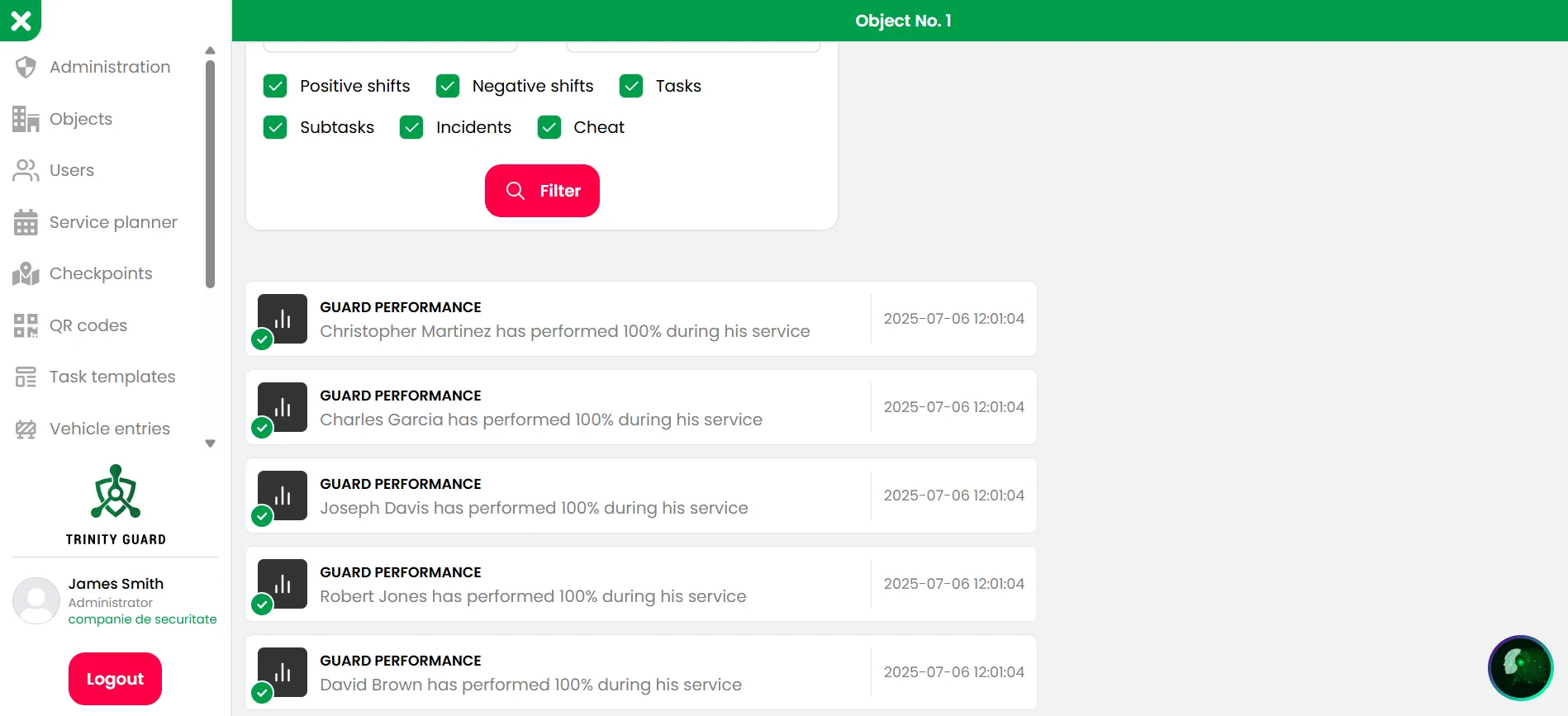
Guard performance list
Daily service performance, completion status, and supervisor visibility in one operational dashboard.
Open full image →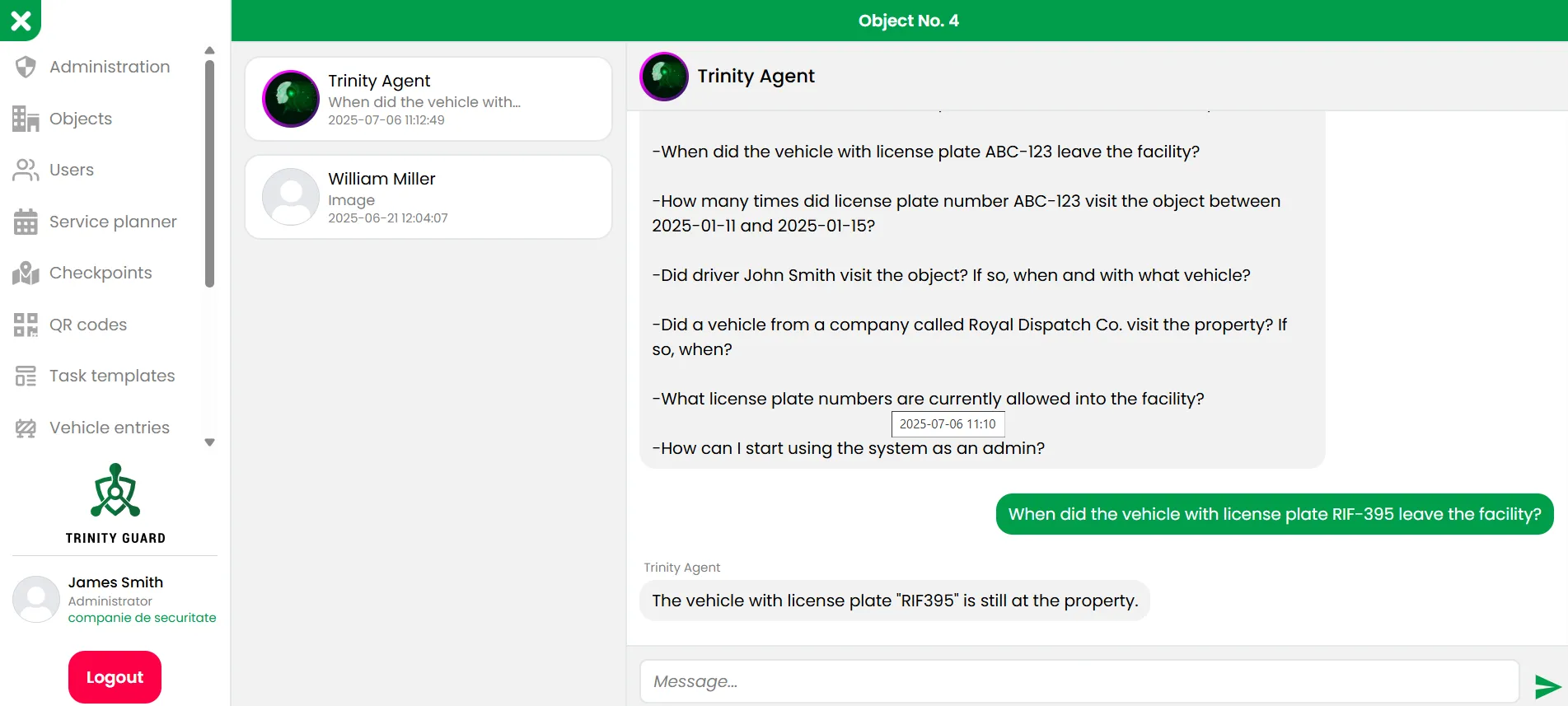
AI assistant and search context
Trinity Agent helps operators review patrol and operational data with structured system context.
Open full image →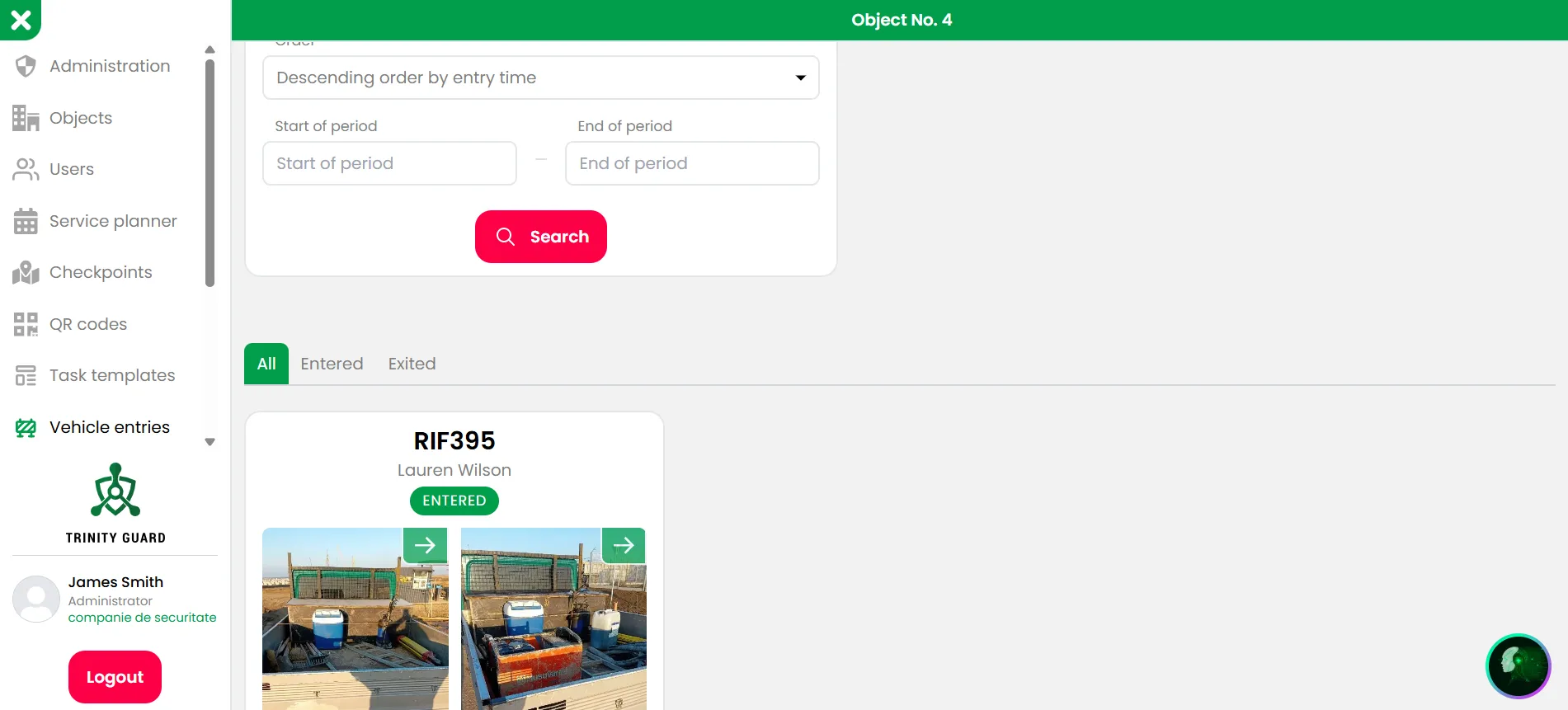
Vehicle entry record
Vehicle entry and exit documentation can be managed inside the same operational platform.
Open full image →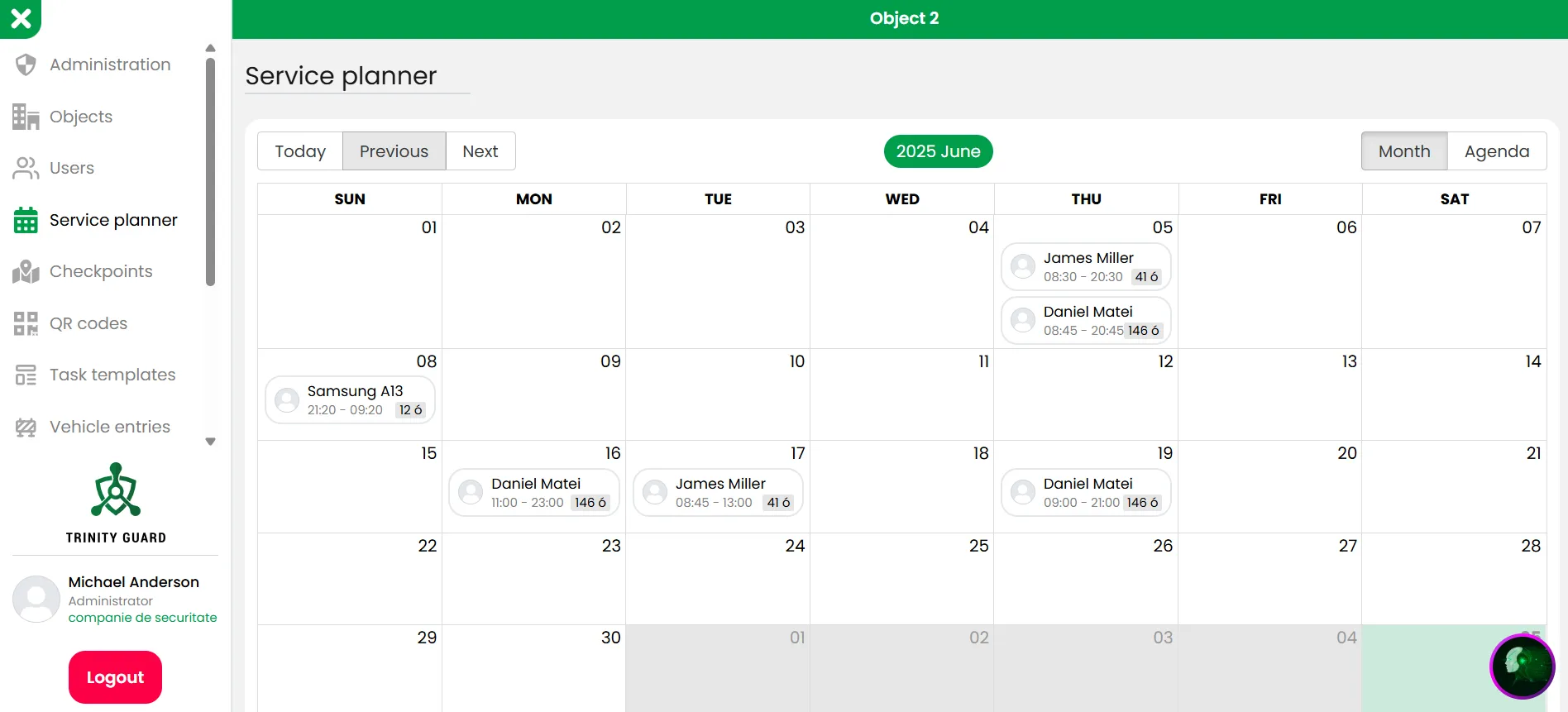
Service planner month view
Supervisors can review scheduled services and guard assignments in a calendar-style overview.
Open full image →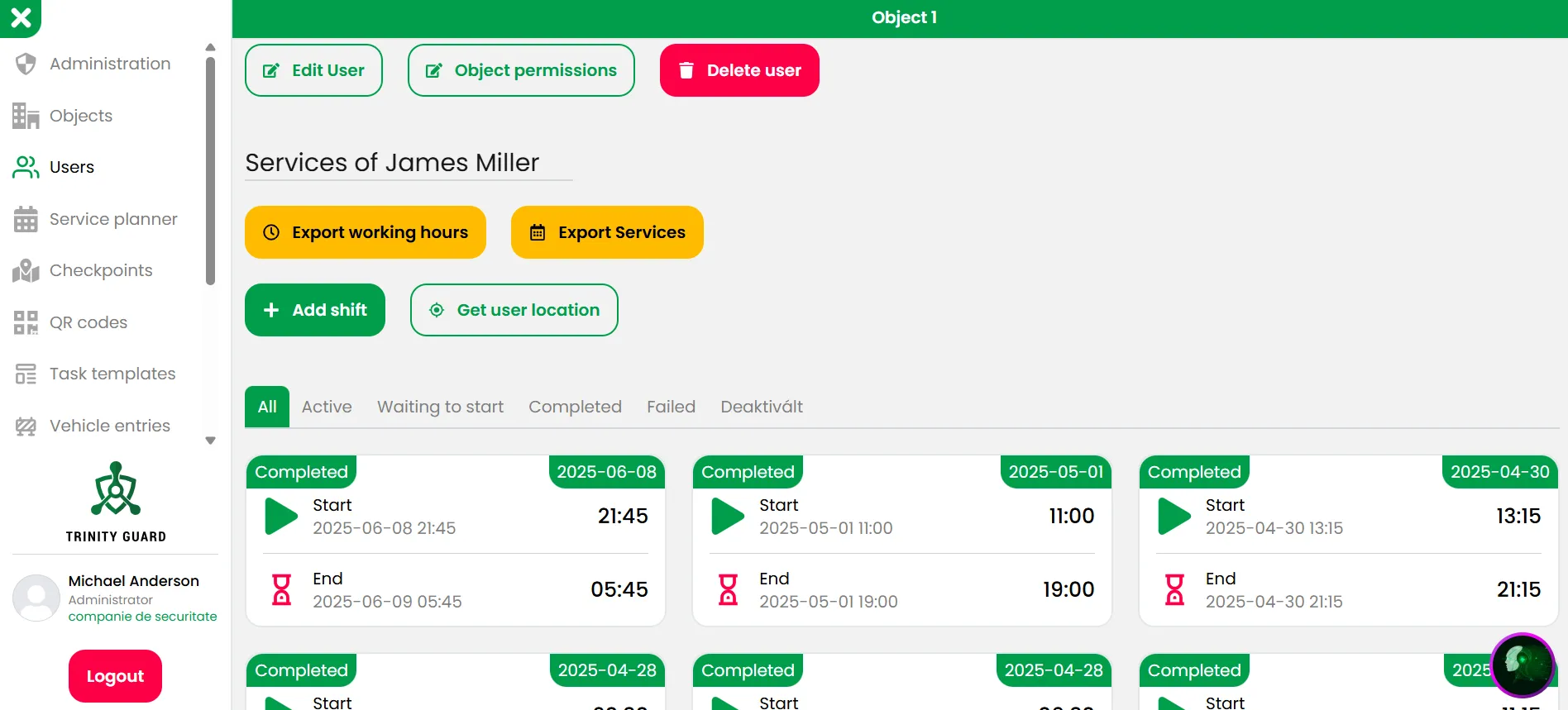
User services and exports
Completed shifts and service records can be reviewed and exported for operational documentation.
Open full image →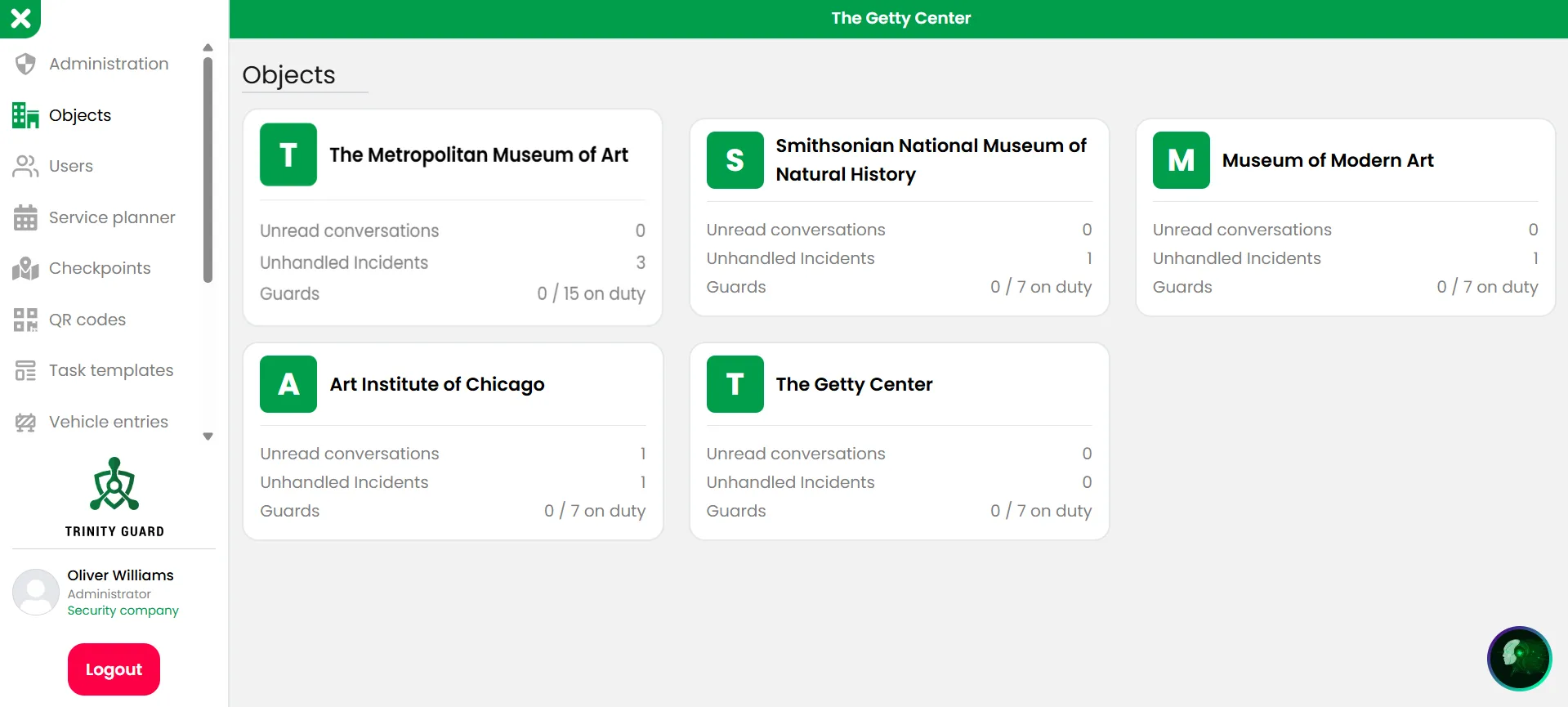
Site overview
Multiple locations can be managed from one interface with structured access and operational visibility.
Open full image →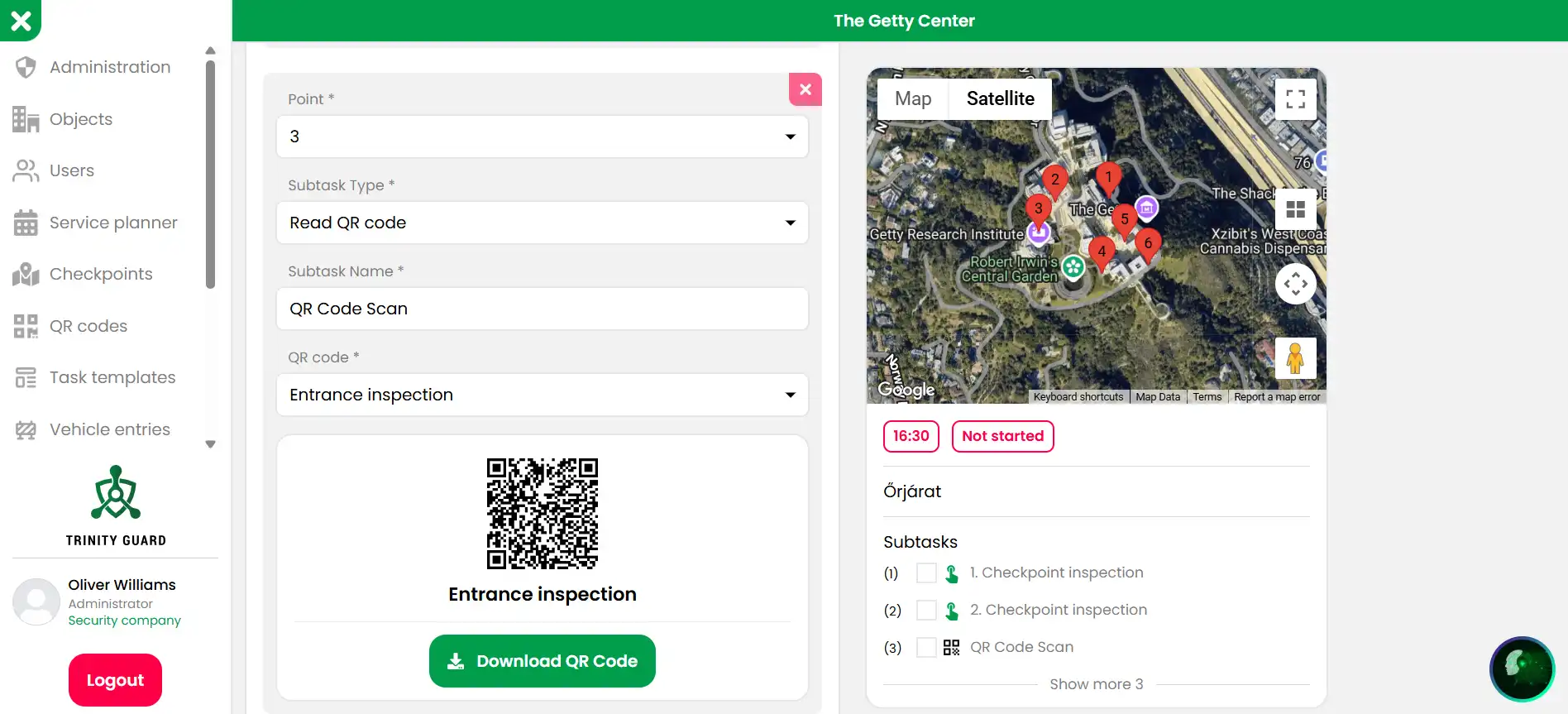
Checkpoint setup with map
QR checkpoints and patrol tasks can be configured with location context and assigned workflows.
Open full image →Screens used by guards in the field
The mobile app supports shift start, patrol task execution, incident reporting, notifications, and checkpoint-based field activity.
US English & Spanish adoption matters. A clear mobile interface helps reduce training friction for bilingual guard teams and mixed-language security operations.
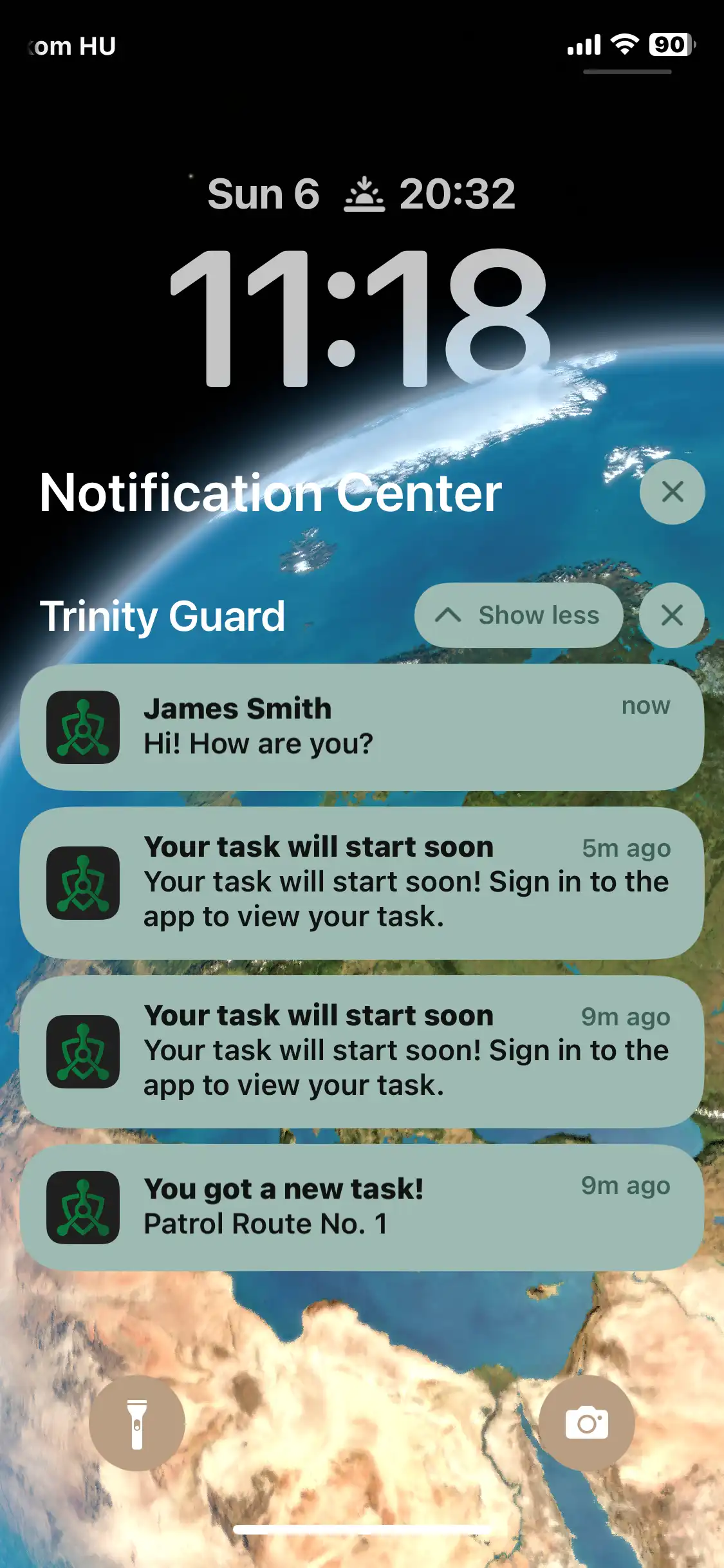
Upcoming task alerts
Guards can receive mobile notifications about upcoming tasks and assigned patrol activity.
Open full image →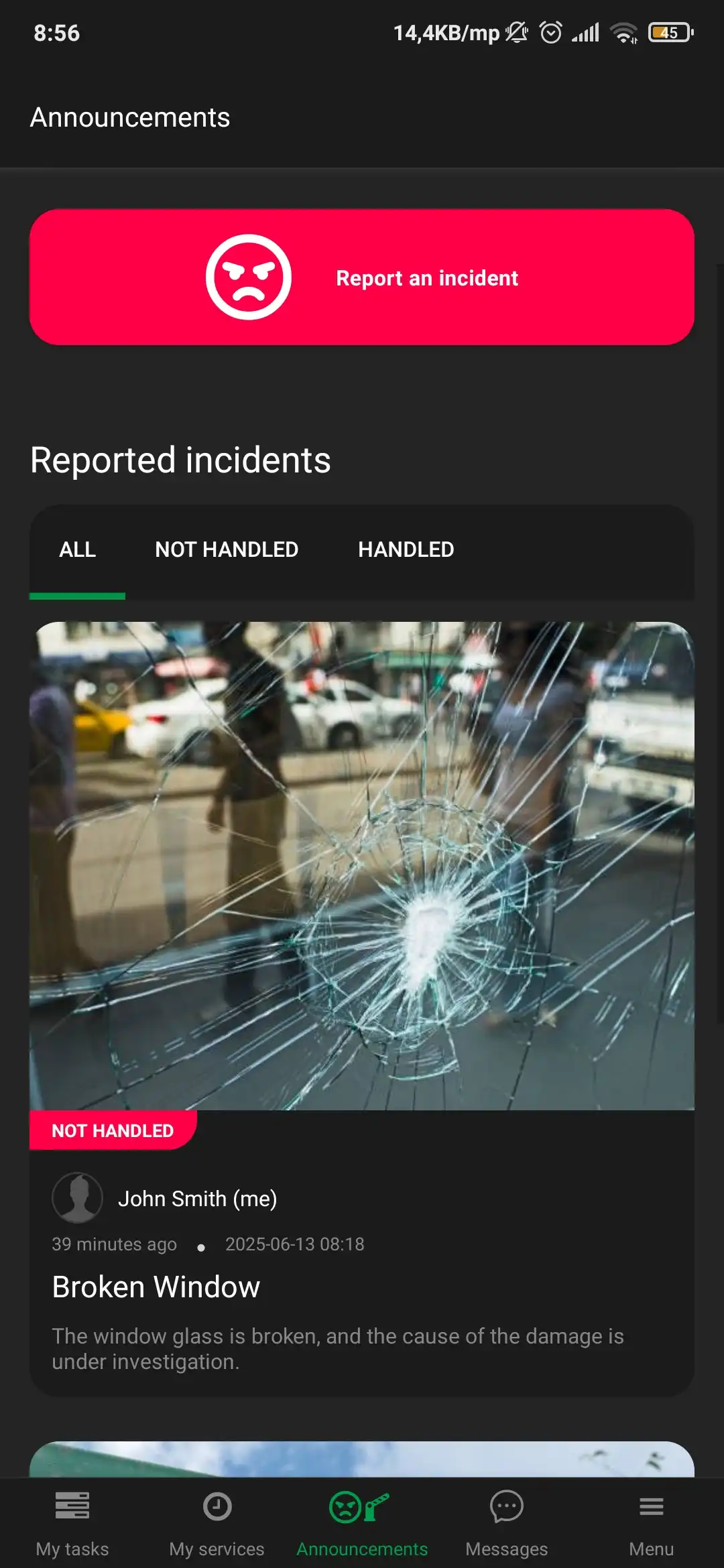
Incident report list
Incident reports can include photo evidence, status information, and supervisor review context.
Open full image →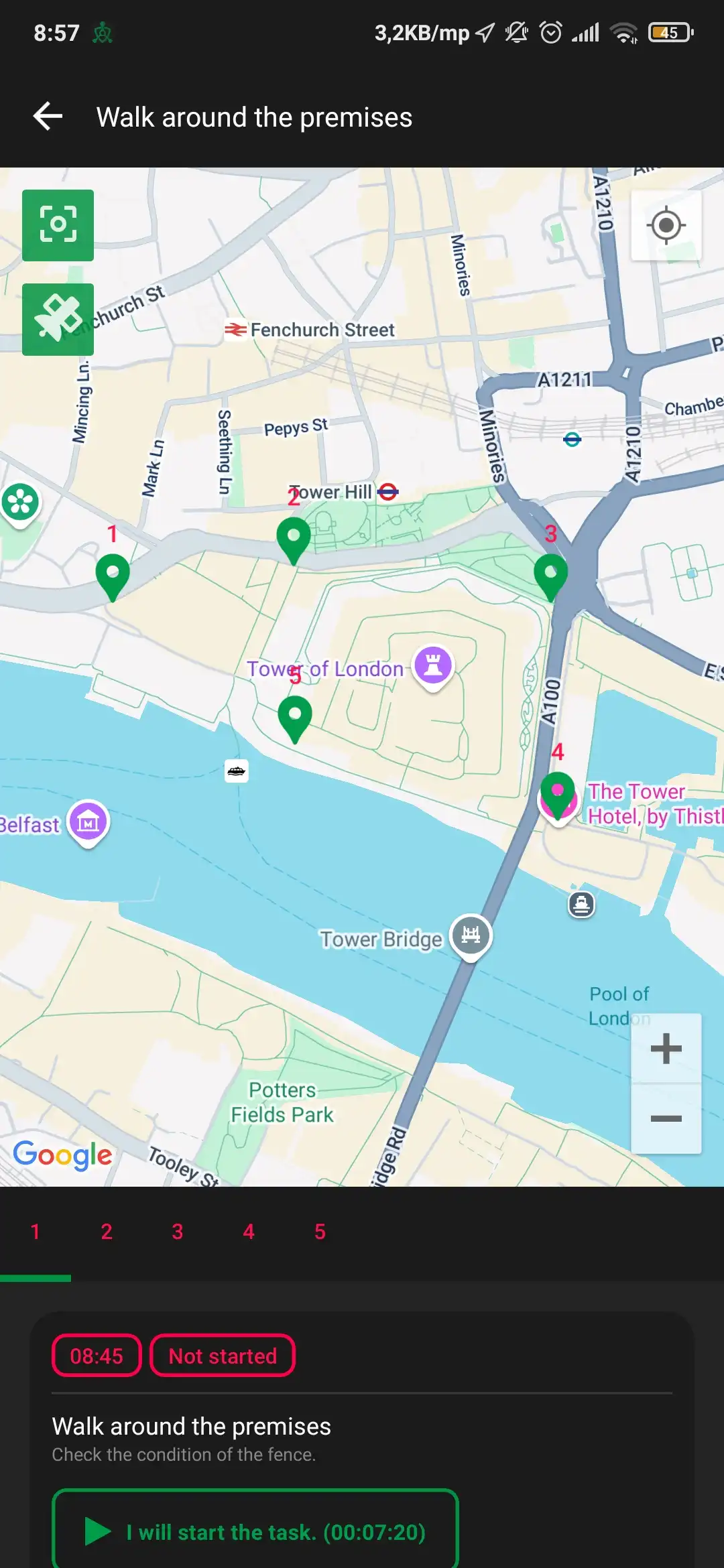
Map and checkpoint task
Guards can see patrol task context, checkpoints, and location-based field information.
Open full image →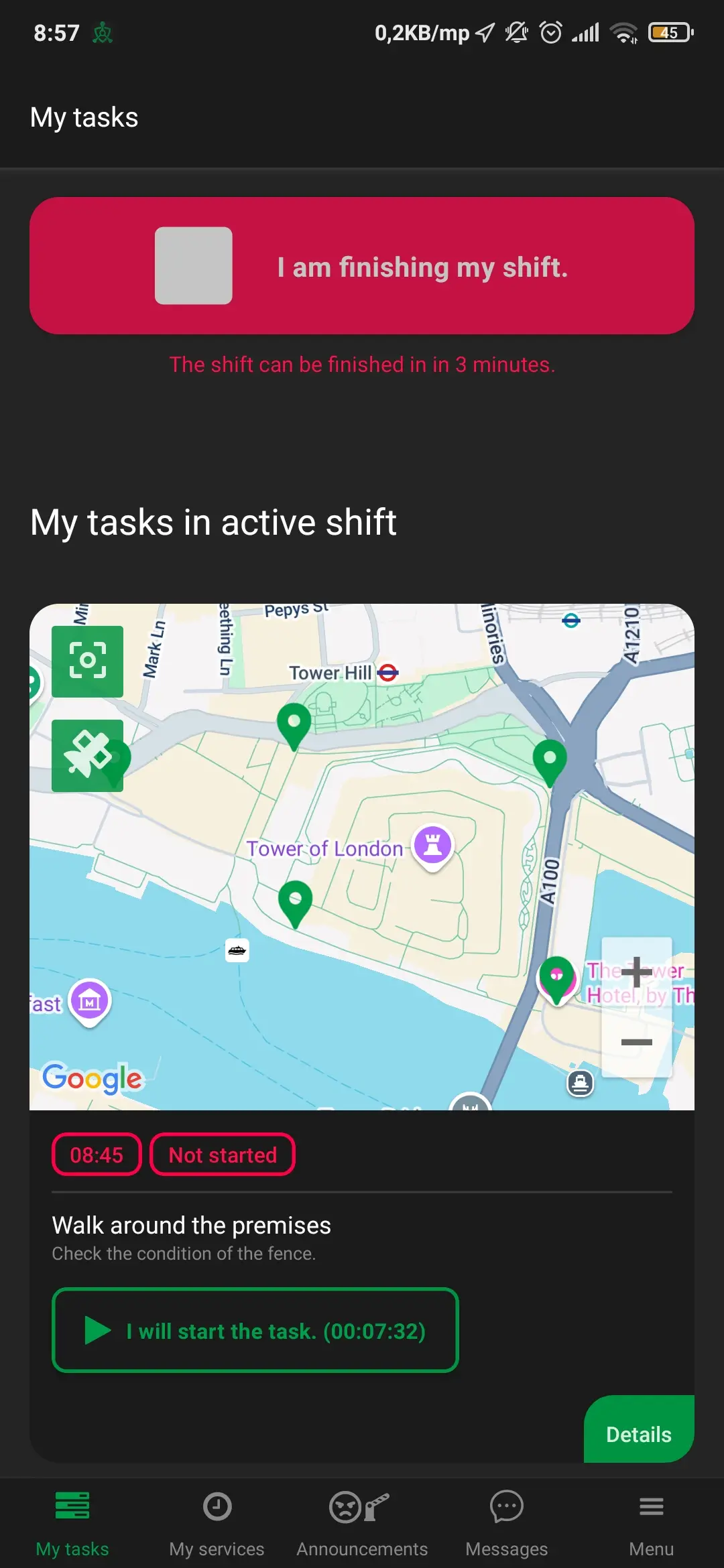
Shift in progress
The app supports active shift workflows, patrol context, and shift completion actions.
Open full image →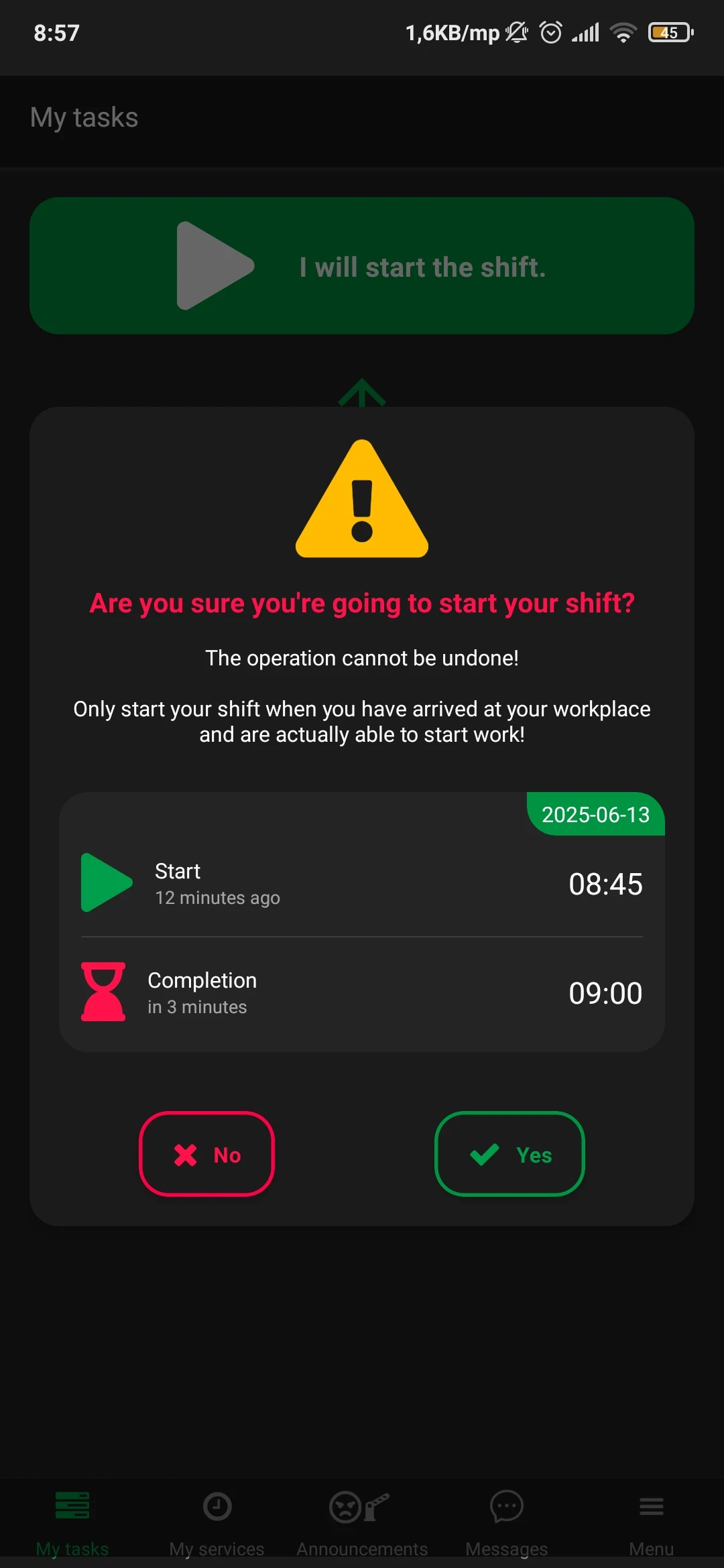
Start confirmation
Clear guard-facing confirmations help reduce mistakes before a patrol or shift is started.
Open full image →Example environments for guard tour verification
These are scenario visuals for common patrol environments. They show where guard tour verification is useful: outdoor patrols, industrial sites, logistics yards, gate control, high-rise buildings, and operations centers.
Note: These field visuals are example patrol environments and use-case images, not customer endorsements. The product screenshots above show the actual system interface.
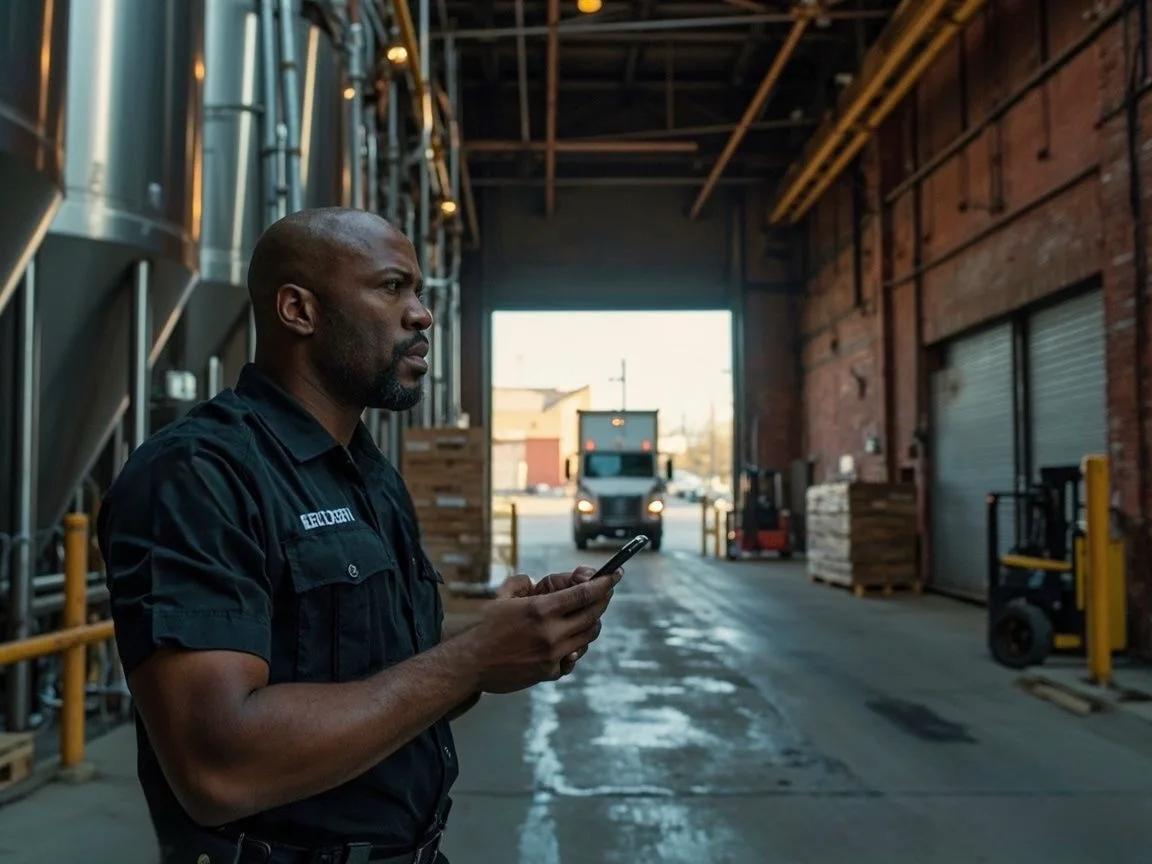
Guard using the patrol app
Mobile verification helps move patrol activity away from paper logs and toward structured proof.
Open full image →
Northern facility patrol
Useful for large outdoor sites, harsh weather patrols, perimeter routes, and GPS context.
Open full image →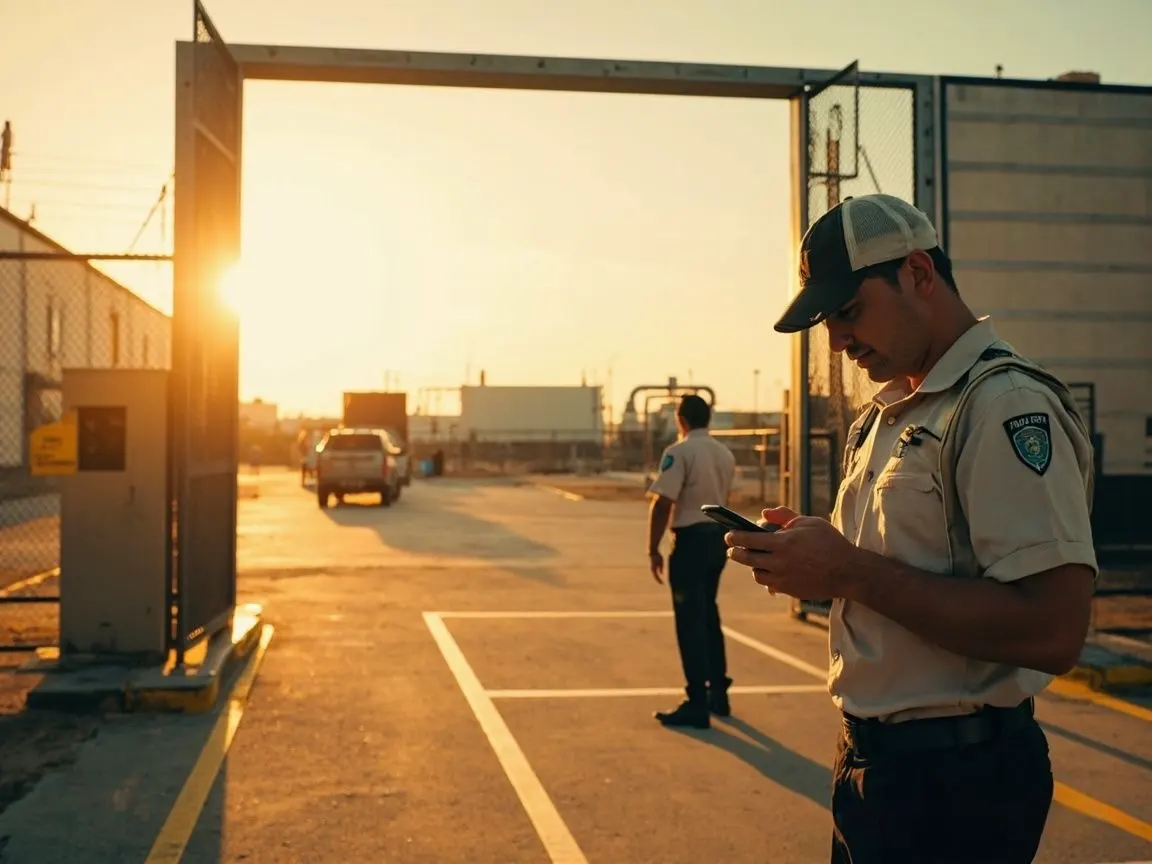
Industrial entrance check
Security teams can combine patrol verification with gate activity and incident documentation.
Open full image →
Container and port patrol
Large logistics areas need patrol records that supervisors can review without chasing manual notes.
Open full image →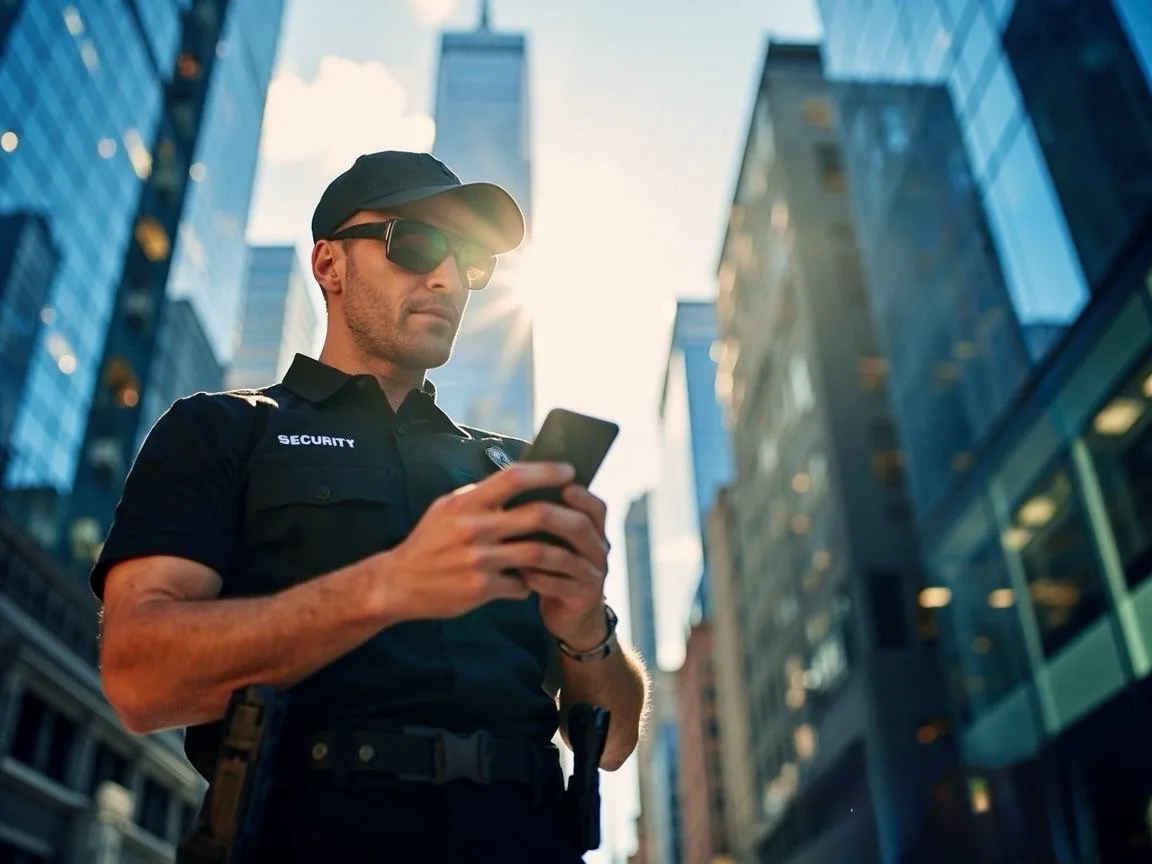
High-rise security patrol
Commercial buildings and downtown properties benefit from simple patrol proof and incident records.
Open full image →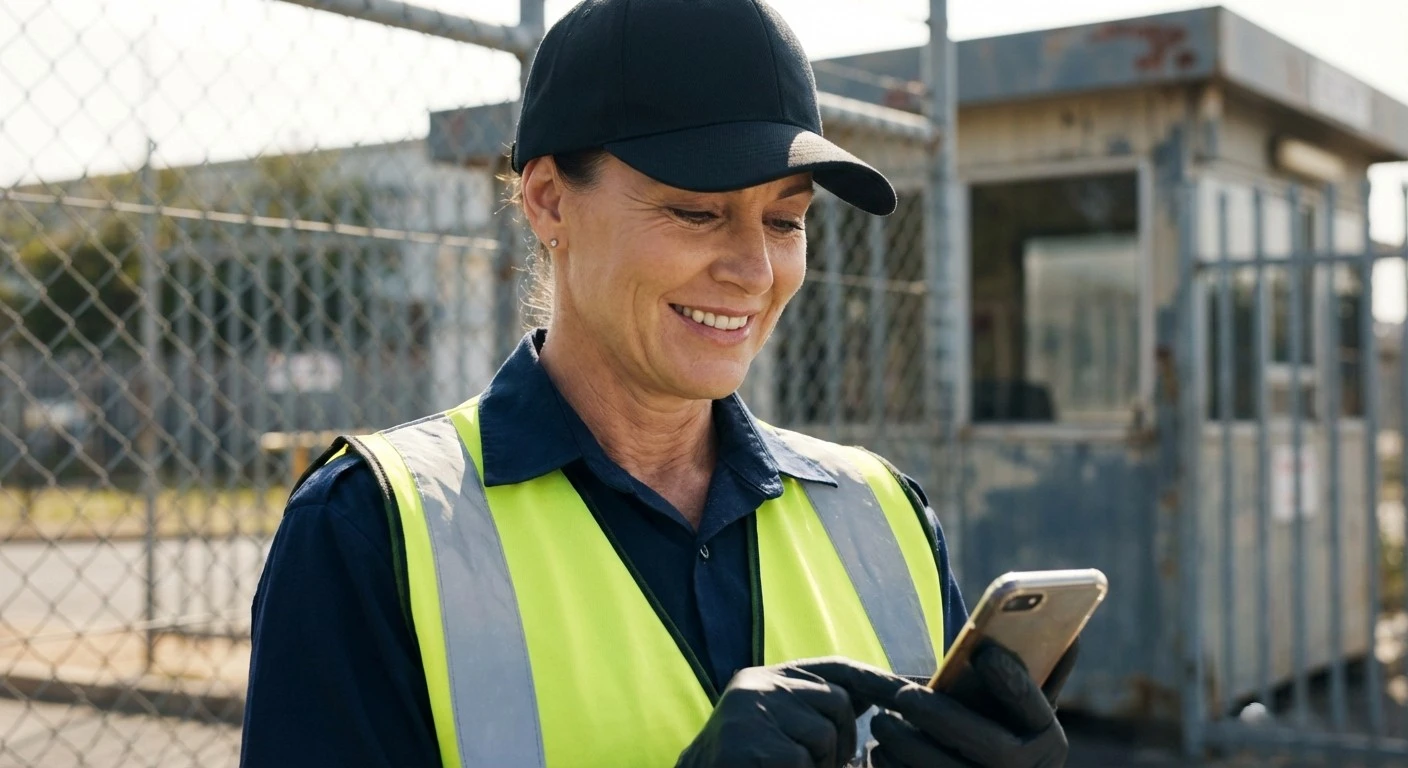
Mobile-first guard workflow
A simple mobile interface helps field guards report activity with less training friction.
Open full image →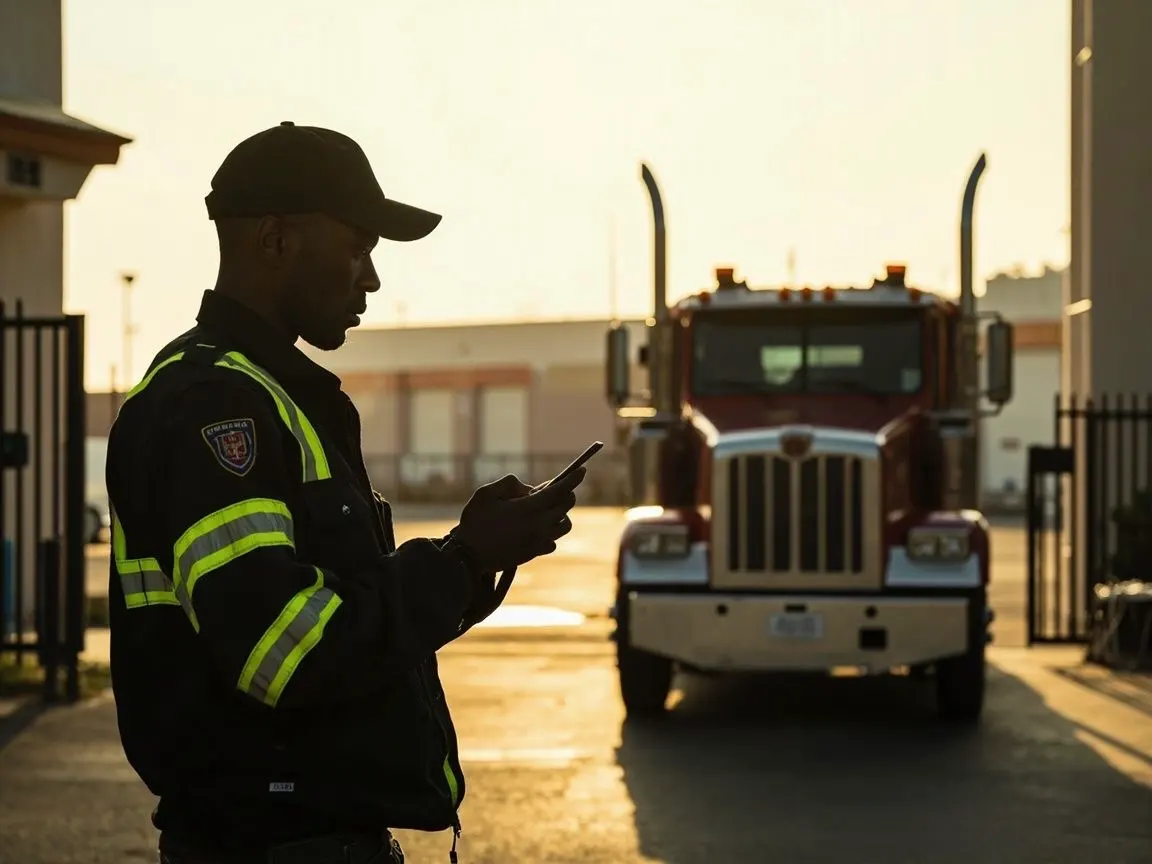
Truck gate documentation
Vehicle entry and exit logging can support security operations at industrial and logistics sites.
Open full image →
Supervisor monitoring room
Verified patrol data becomes more useful when supervisors can review activity from one place.
Open full image →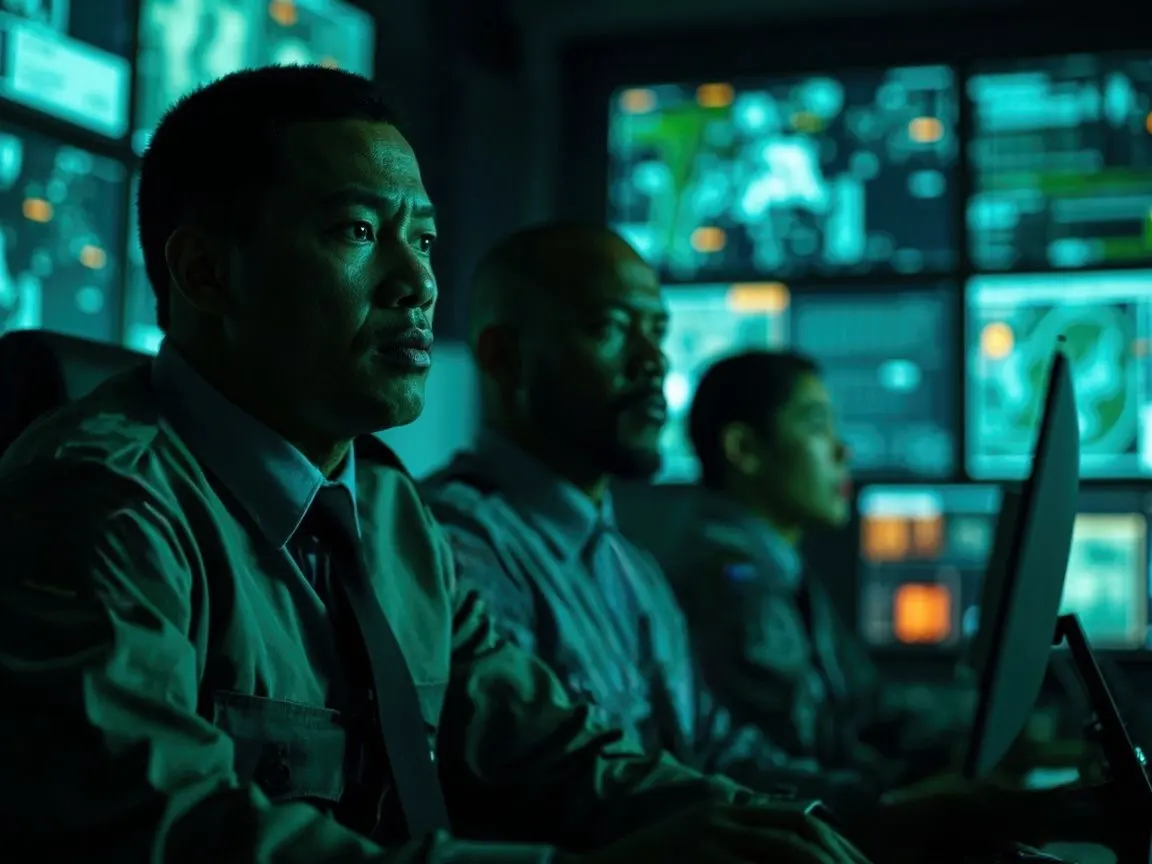
Dashboard-driven oversight
Modern security operations need verifiable data, not only verbal check-ins or handwritten patrol logs.
Open full image →See the interface, then test the system with your own patrol workflow.
Product screenshots help you understand the platform. A free pilot helps you verify whether Digital Guard Tour fits your actual security operation.