Choose the correct region
Open the Digital Guard Tour regional selection screen and choose the nearest region. For U.S. users, the North and Central America region is the right starting point.
Test GPS/QR patrol verification on one real security site before rolling it out across your operation.
A pilot is not just a signup. It should prove whether your security company can create real patrol records from a real site, using real guards, real checkpoints and supervisor review.
During the 14-day trial, start small: choose one site, add a few checkpoints, invite a small guard team, run real patrols and review the results in the dashboard.
The fastest way to evaluate Digital Guard Tour is to test one real patrol workflow. A small pilot is easier to set up, easier to train and easier to compare with your current process.
Follow the exact setup path a new Digital Guard Tour account sees during the 14-day pilot. Click a step to view the related screen.
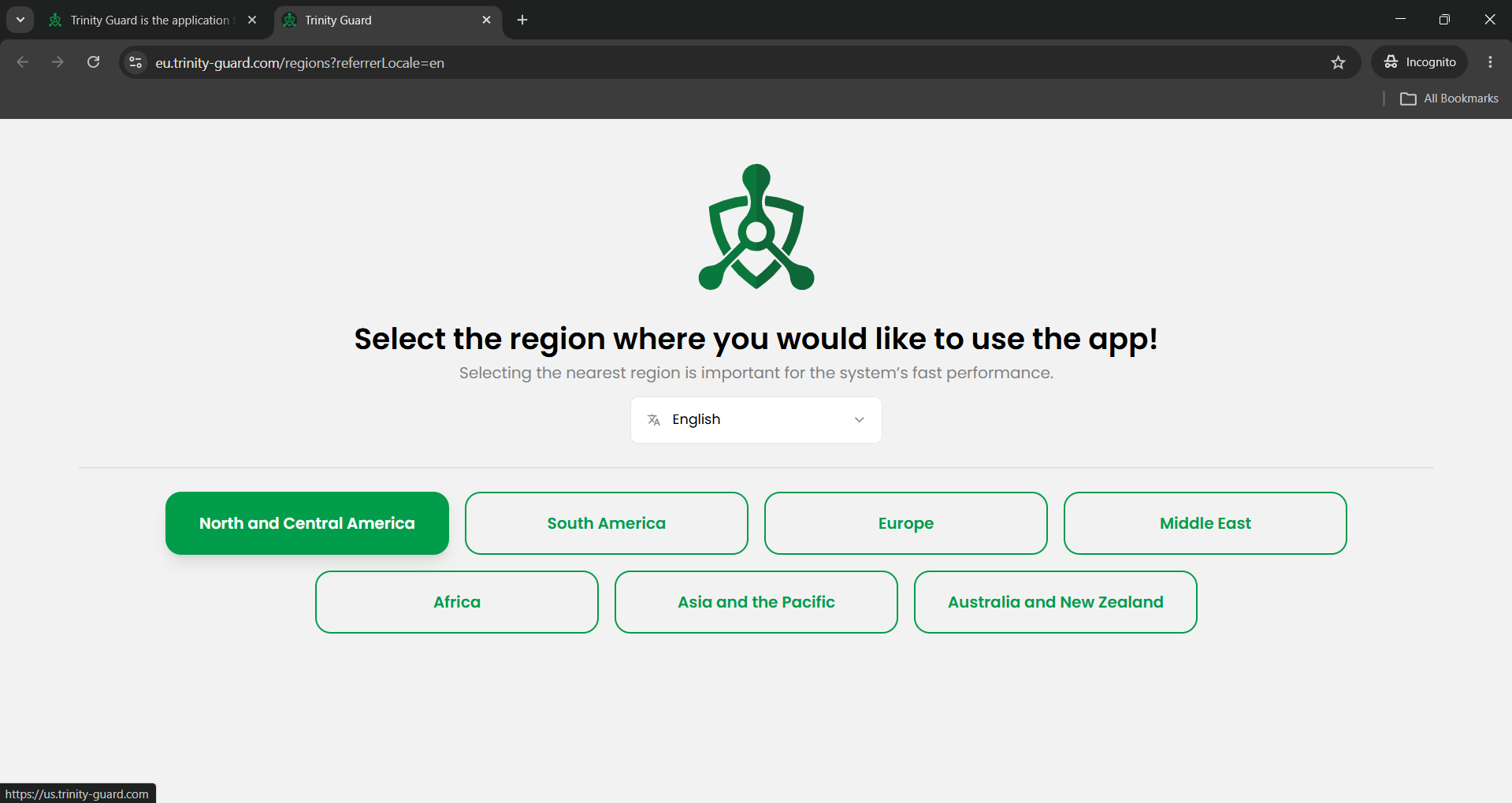
Selecting the nearest region helps the system use the best regional server for faster performance. For a U.S. pilot, choose North and Central America.
Open the Digital Guard Tour regional selection screen and choose the nearest region. For U.S. users, the North and Central America region is the right starting point.
Enter the company name, administrator name, email address, WhatsApp number and preferred language. The administrator email becomes the login email for the dashboard.
After the account is created, log in with the administrator email and password. The first dashboard screen shows the package status and setup menu.
The checklist shows the first setup steps: add a site, add checkpoints, add users, add shifts, add patrol tasks and add QR codes. Each step can be supported by a setup video.
Start with one site and a few important checkpoints. Invite a small number of guards and run real patrols before rolling the system out to more sites.
A strong pilot should not try to cover every site. It should prove the core workflow on one real location.
No. Digital Guard Tour is designed for smartphone-based GPS/QR patrol verification, so a pilot can start without proprietary RFID readers or patrol wands.
Start with one real site. A focused pilot is easier to set up, easier to train and easier to evaluate.
Prepare the company name, administrator email, WhatsApp number, preferred language, one test site and a short list of planned checkpoints.
Yes. Digital Guard Tour supports a BYOD-style workflow where guards can use compatible Android or iOS smartphones for patrol tasks and checkpoint verification.
Yes. Digital Guard Tour supports XLS export for patrol and operational records, which can be used for client reporting, audits and internal review.
Use the 14-day pilot to test real patrol verification before you commit to a wider rollout. Add one site, invite a small guard team and compare the patrol records with your current process.