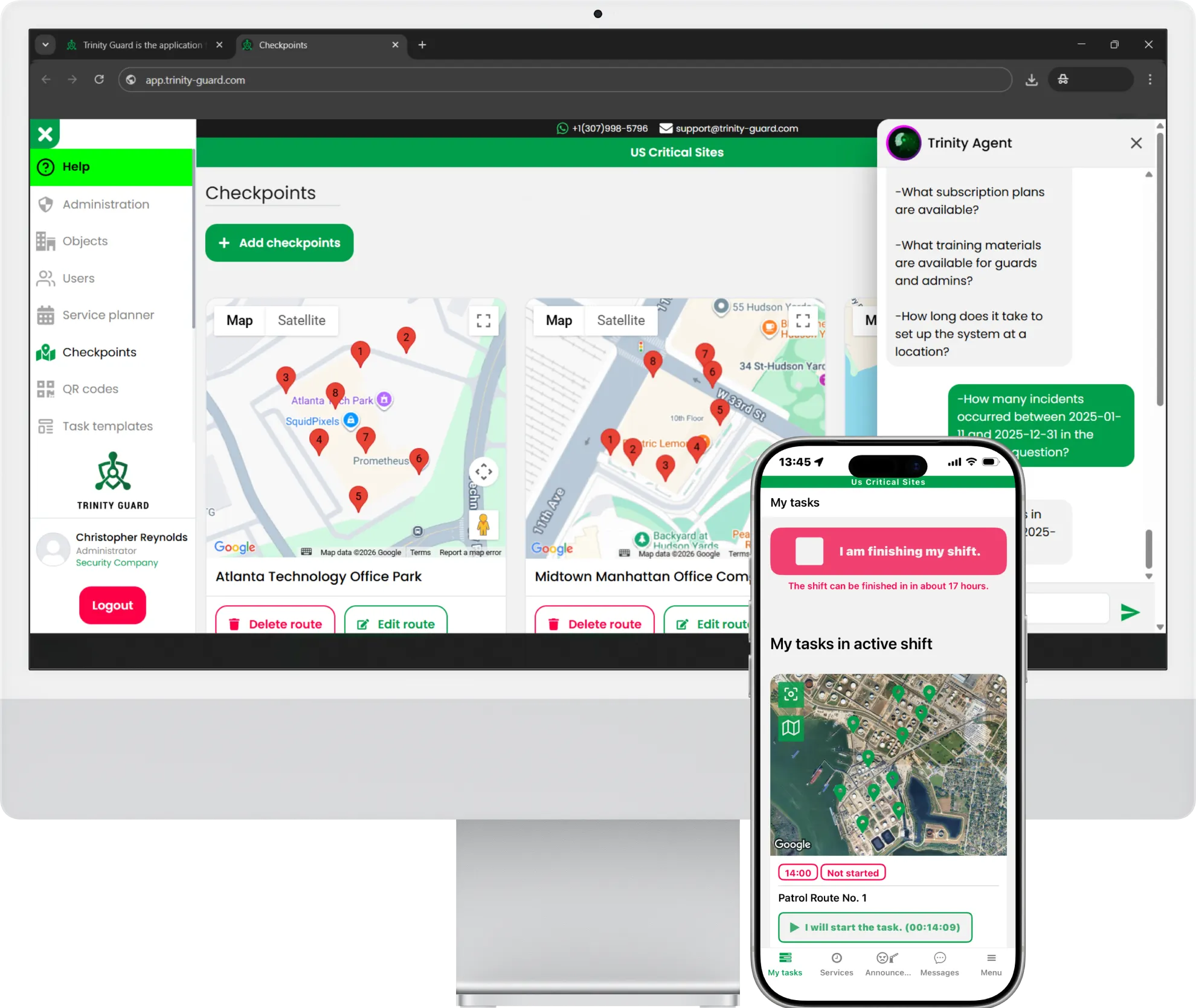
14-Day Free Trial · No Credit Card Needed
Digital Guard Tour – AI-Powered Patrol Software

Guard Tour Patrol System & Security Guard App

The guard tour system that proves your team was there — set up in minutes, no calls needed.

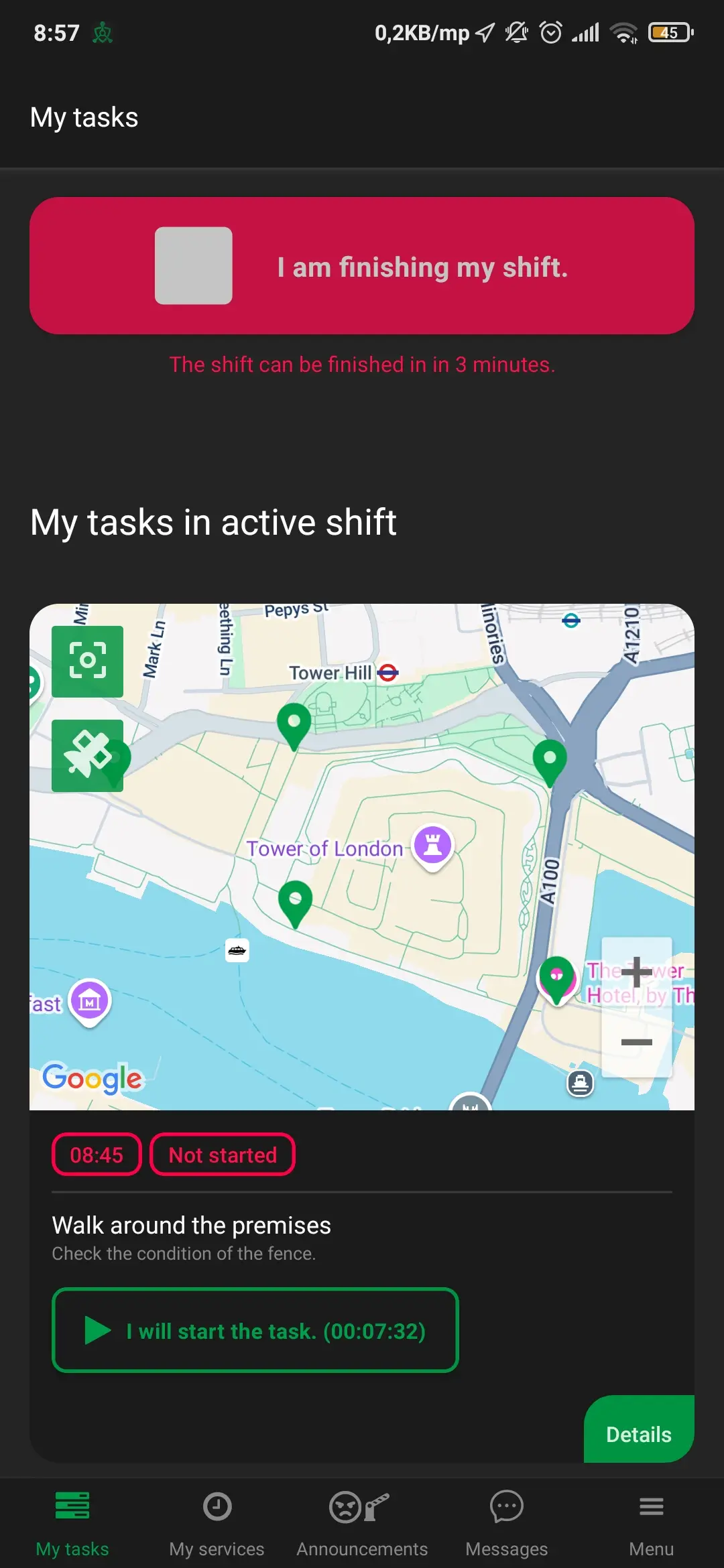
Stop missed patrols with GPS & QR proof Instant incident & patrol reports — no paperwork Simple mobile app your guards will actually use

Free trial · No obligation

powered by Trinity Guard® Trinity Guard® logo

Set up in minutes

No onboarding calls required.

Step-by-step video guides

Learn everything in a few minutes.

Fast Chat Support

Get quick help anytime.

Global infrastructure + secure payments — Trinity Guard®

Infrastructure: AWS (US-East-1 • SA-East-1) | EU Region Payments: Stripe (PCI) Encryption: SSL/TLS Privacy: Data protection controls
AWS Stripe Android Apple iOS Node.js MySQL NGINX
NVIDIA Inception Program Member badge – Trinity Guard®

Trinity Guard® is a member of the NVIDIA Inception Program

* Card payments are processed by Stripe; Trinity Guard® does not store sensitive card data.

HOW IT WORKS

Get Started in 3 Simple Steps

Stop worrying about complex implementations. Your guard tour system can be live and verified in minutes — without onboarding calls.

Security guard using mobile patrol app for real-time tracking
Verified guard activity sent straight to your dashboard — automatically.
1
Set Up Your First Site in Minutes
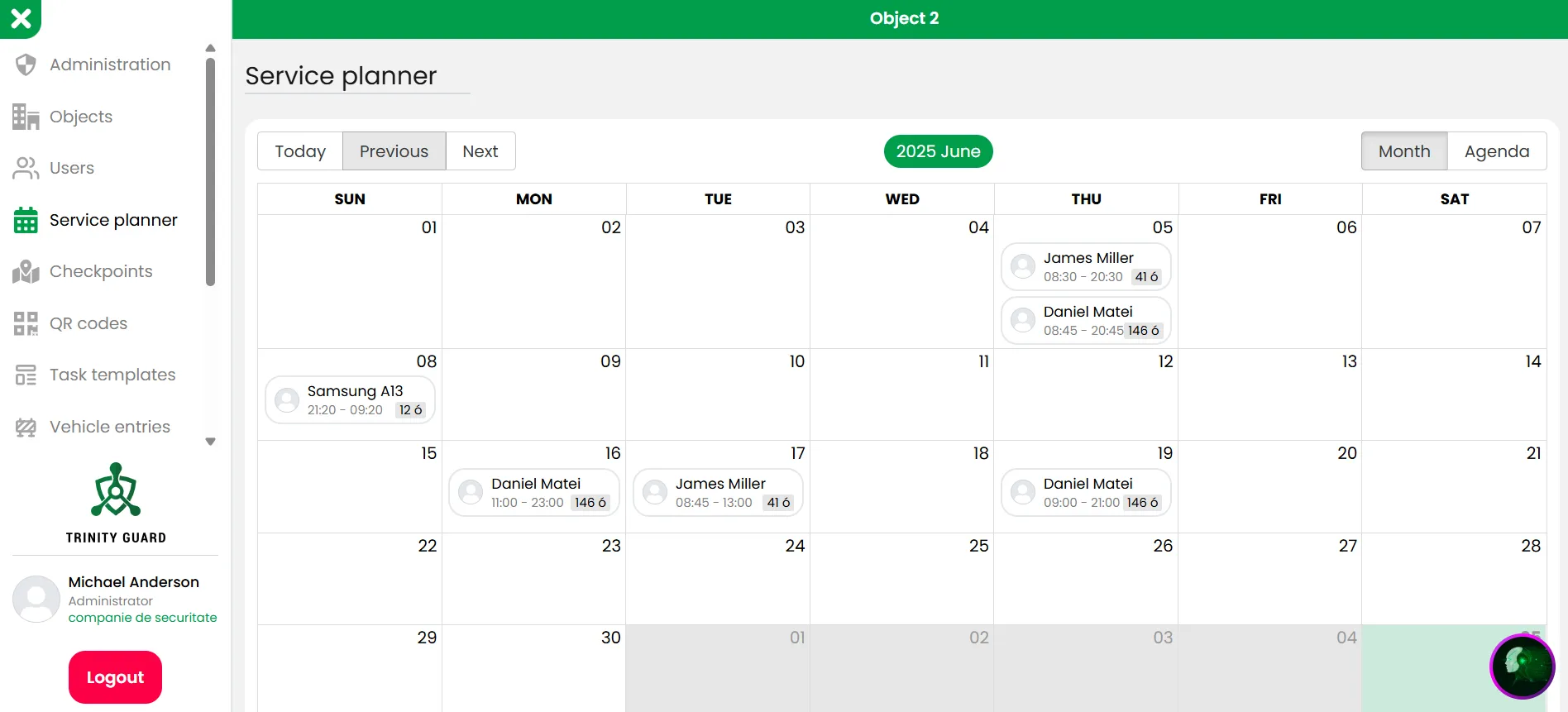
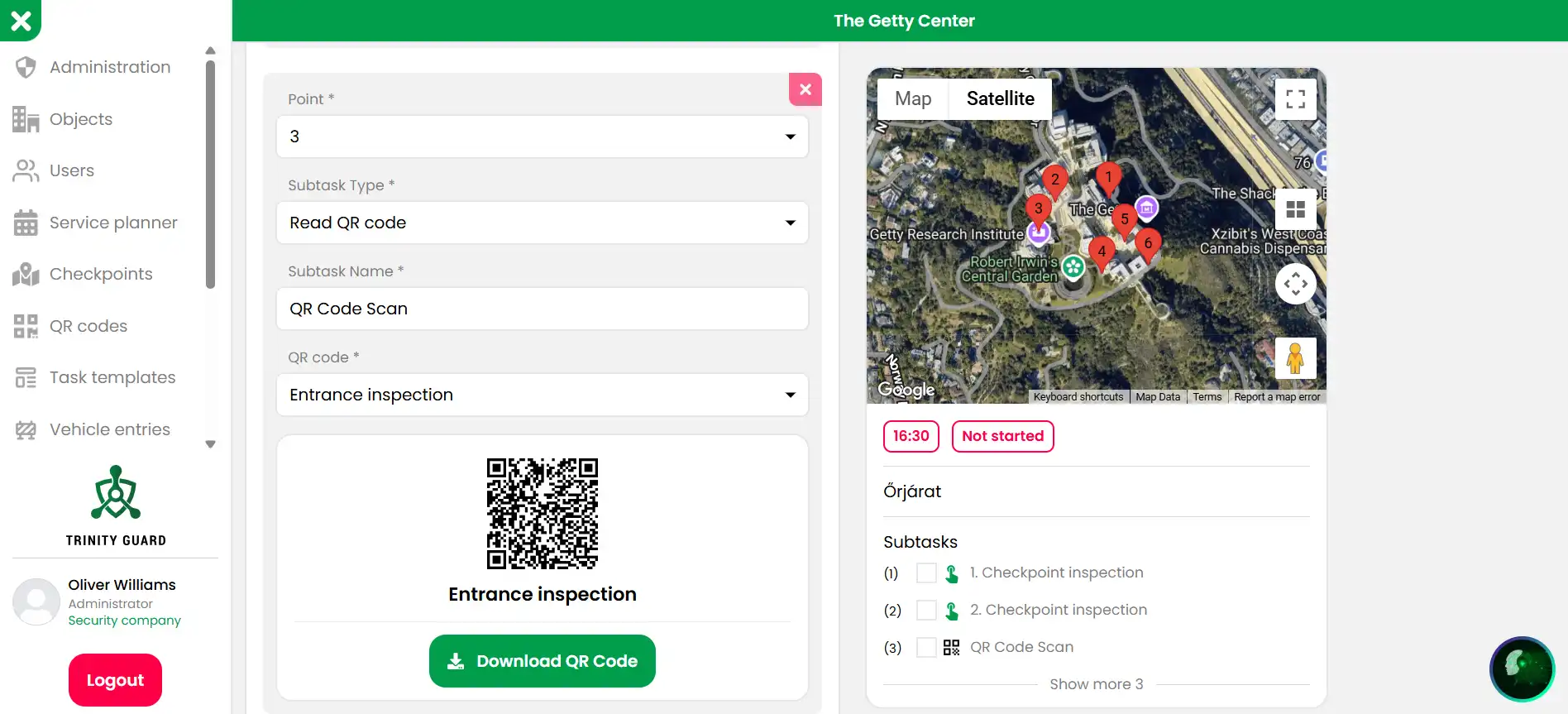
Add locations, invite guards via email, and define GPS/QR checkpoints easily. No technical skills needed — get your system live right away.
2
Start Patrolling (No Formal Training Required)
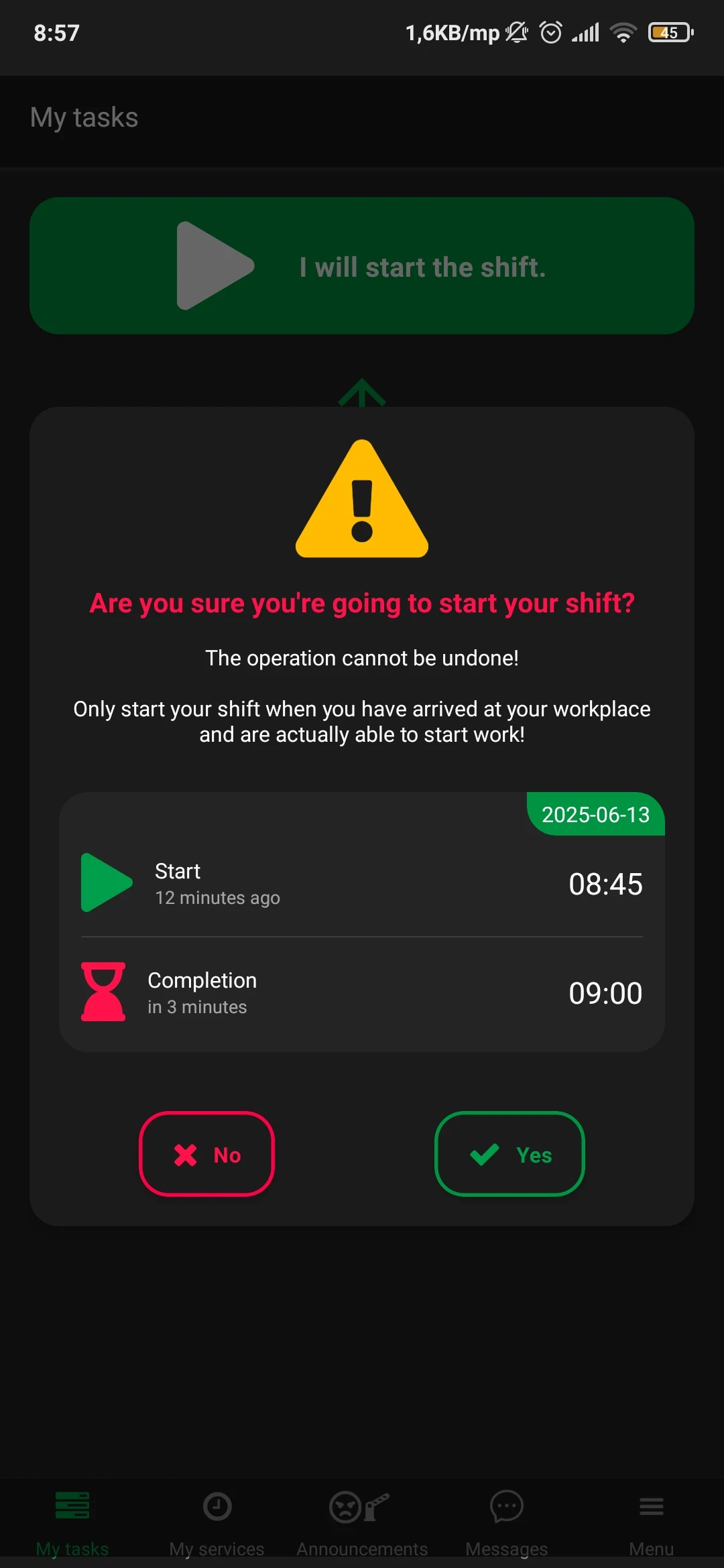
Guards download the app, sign in, and start scanning checkpoints immediately. The simple interface is designed for fast adoption across security teams.
3
Live Client Portal (Read-Only Access) + Audit-Ready Reports
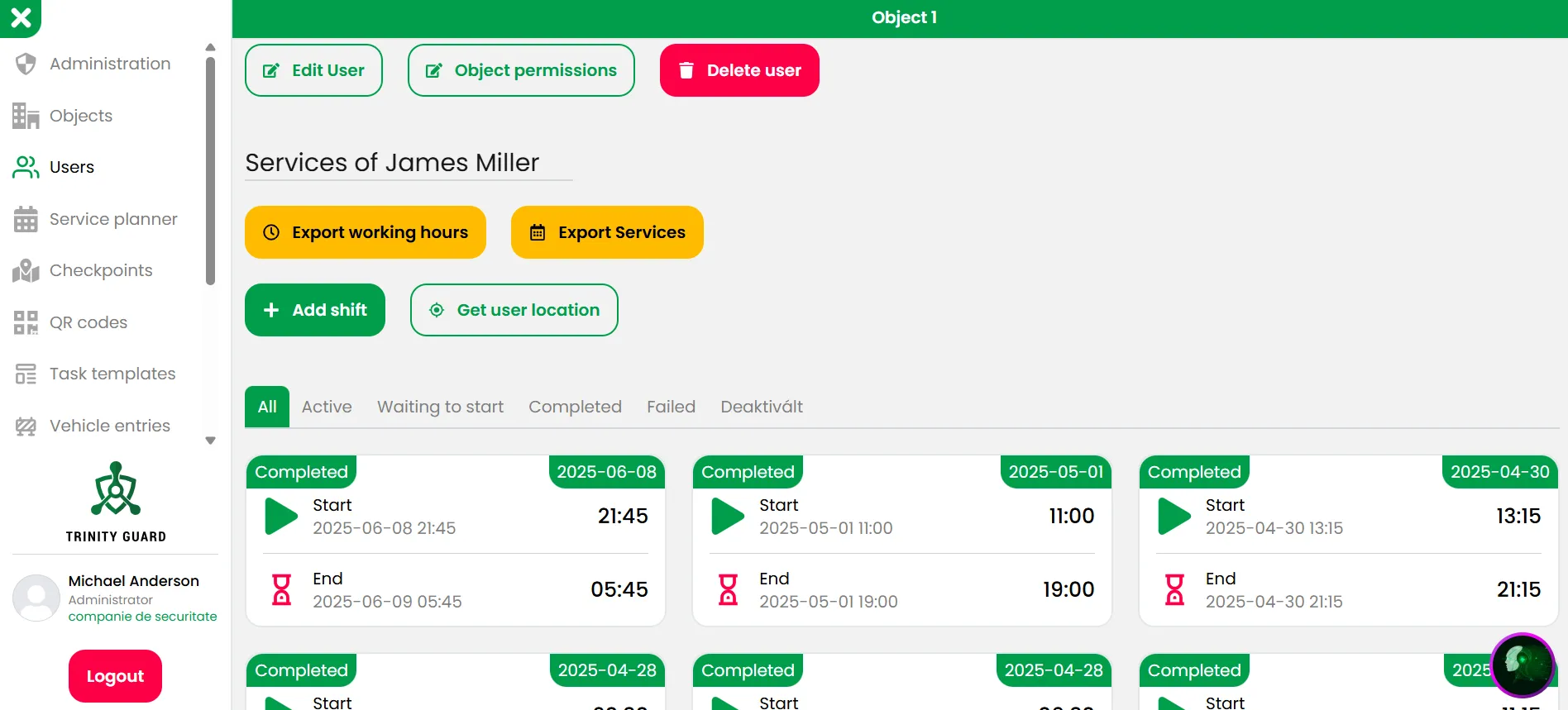
Give clients read-only access to verified patrol logs and incident records in real time. Export audit-ready reports (XLS) anytime — without chasing paperwork.
Try it yourself (free)
No setup calls required — you're live in minutes.
ENTERPRISE + SIMPLE

Enterprise reliability. Small-team simplicity.

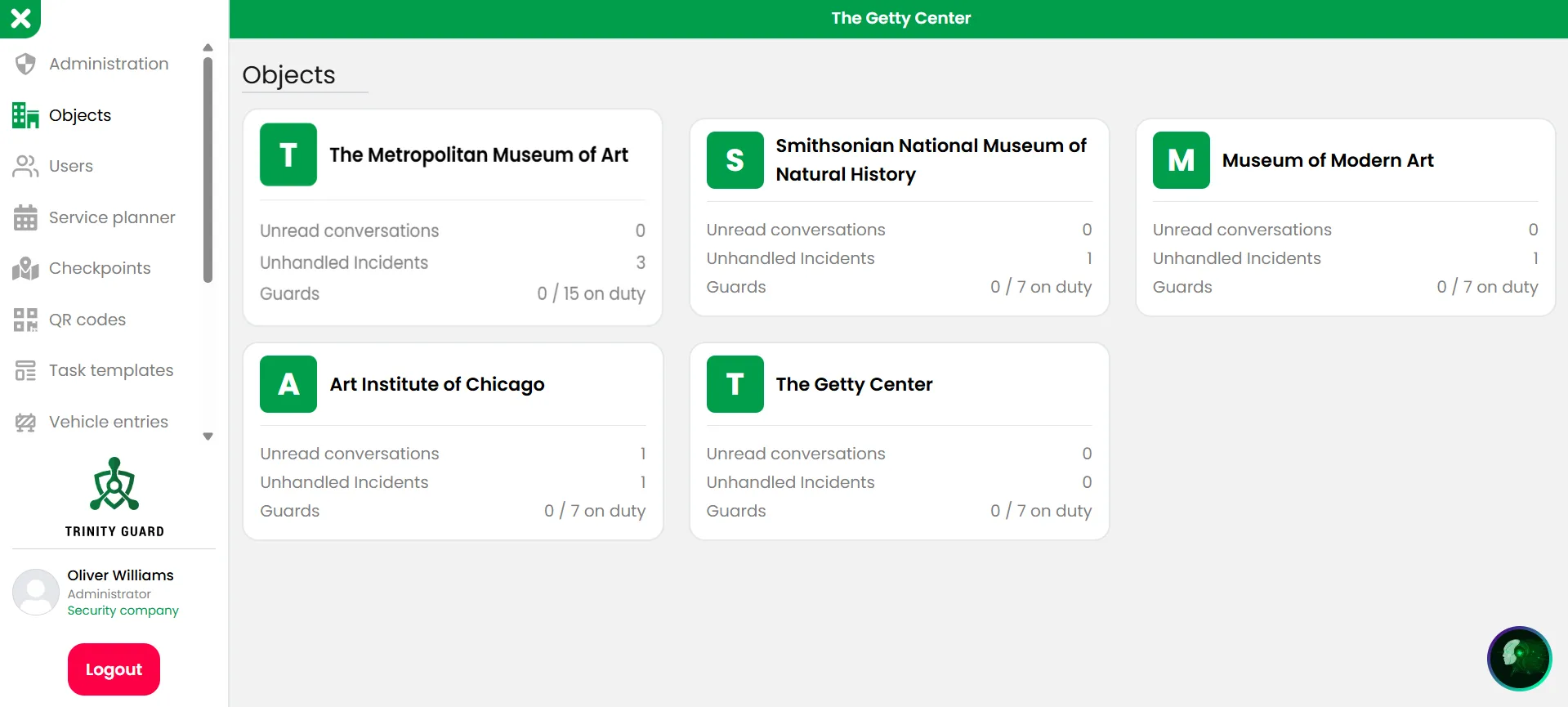
The system is designed to support large, distributed security operations without adding complexity. Powerful enough for enterprise workflows — simple enough for every guard to use.

  • Multi-location support
  • Supervisor & admin roles
  • Client reporting portal (read-only)
  • Encrypted incident evidence
  • Automatic audit logs
  • High-volume guard management

For organizations requiring private infrastructure control, Trinity Guard® is also available as a dedicated self-hosted enterprise deployment .

Pro tools included

More than patrols — pro features in every plan

Incident reports, vehicle access logs and AI-powered search are built in as standard — no extra modules or add-on fees.

Incident reporting

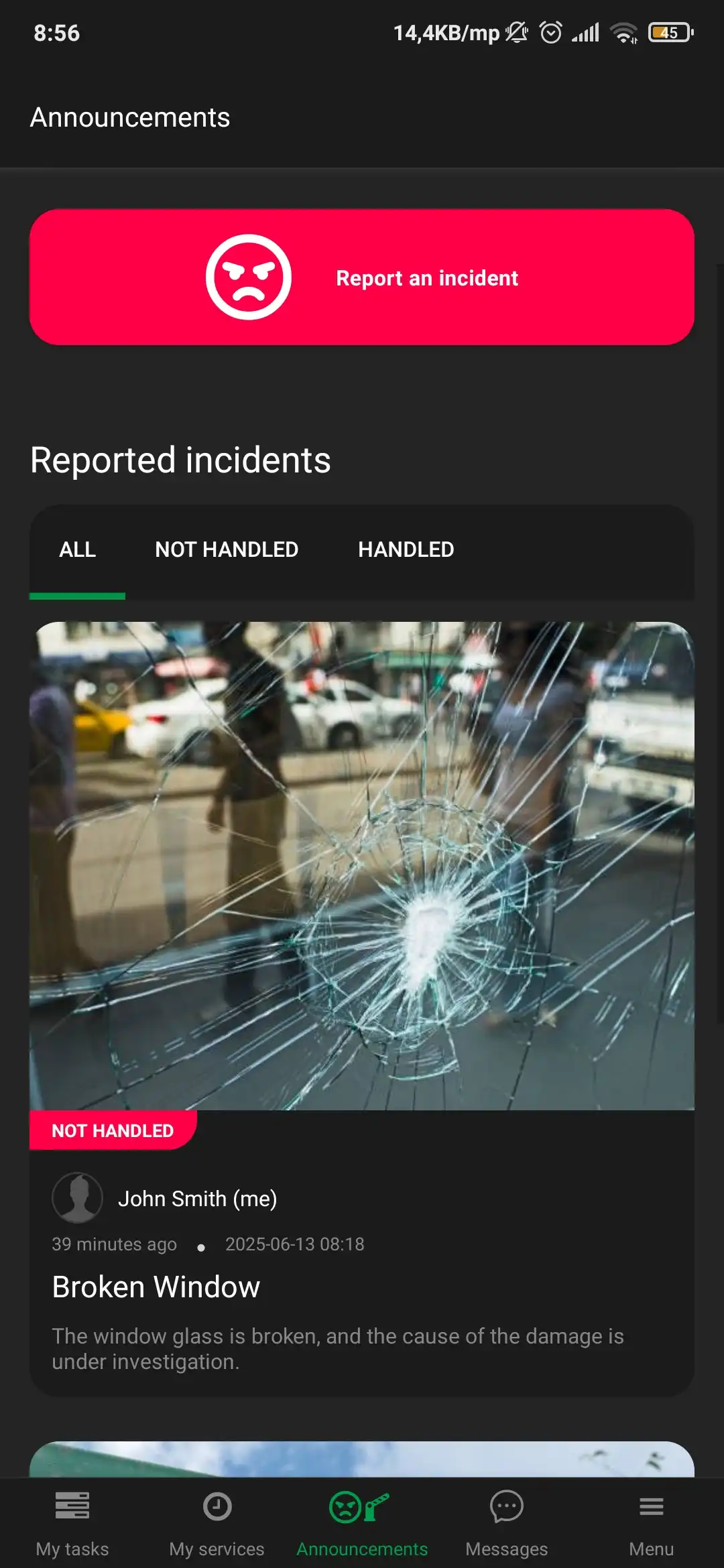
Guards record unusual events with photos, description, time stamp and GPS location. Everyone on the team sees the report, and the supervisor can review and approve it. All of this is included as a pro feature in DigitalGuardTour.com.

Pro incident tool

Vehicle in / out logging

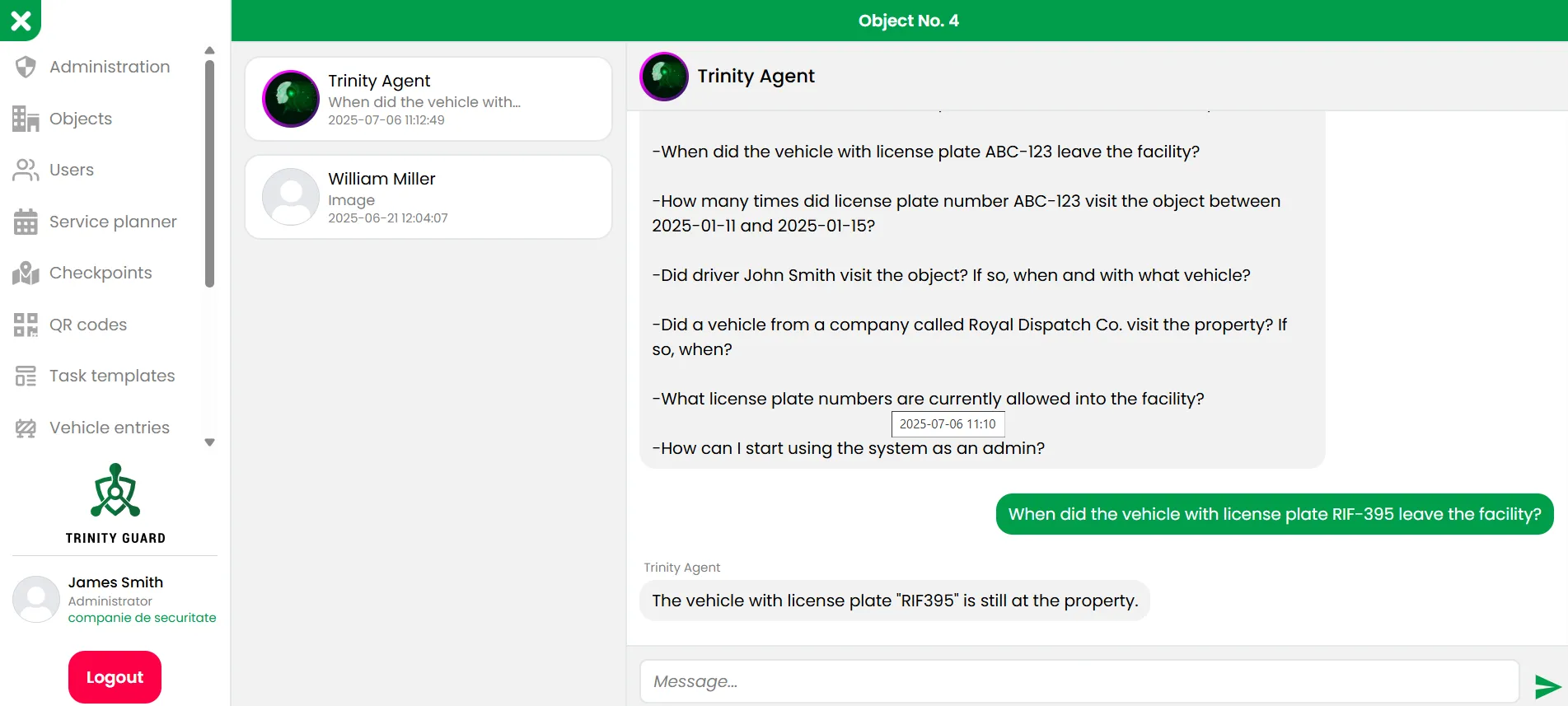
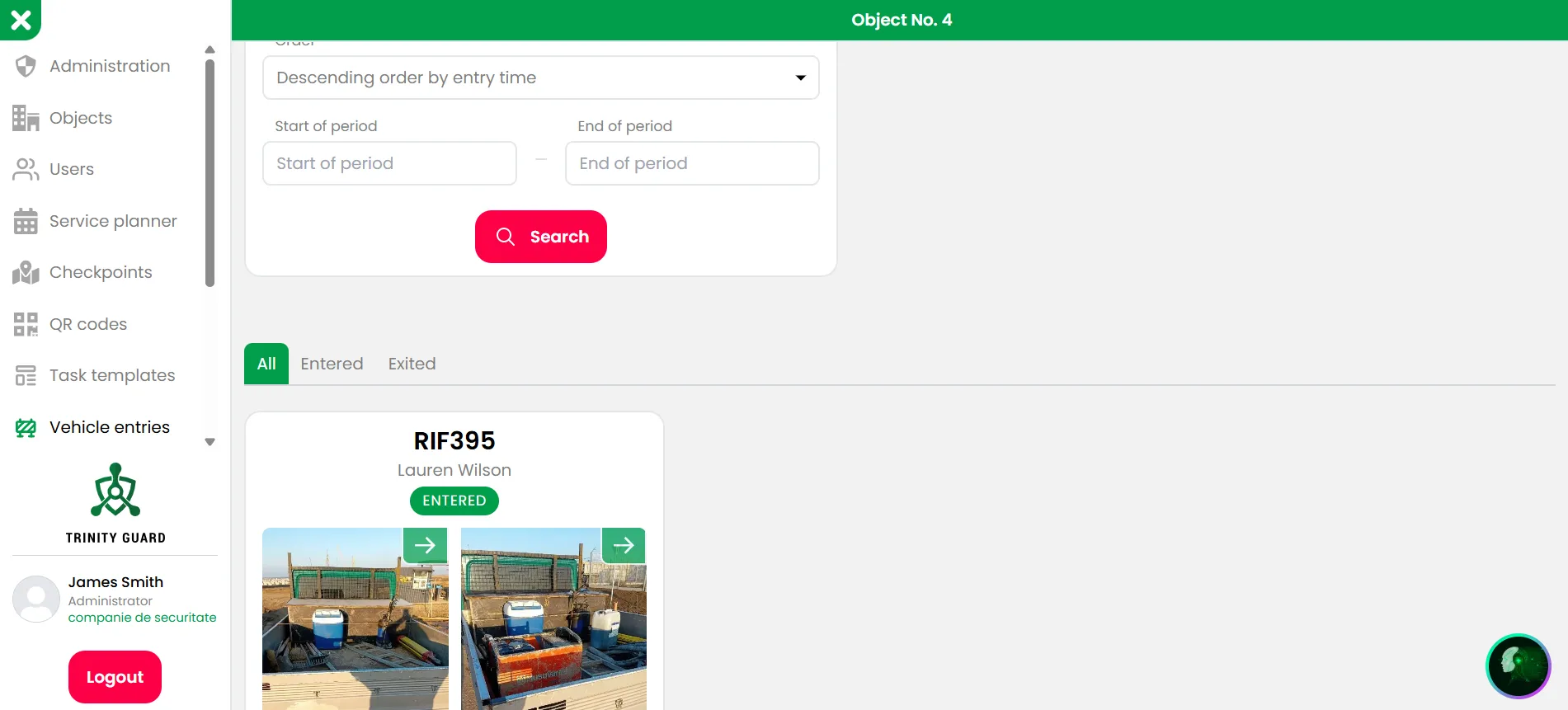
Capture vehicles on entry with photos and key details, then find them quickly on exit using the built-in search. Every movement stays linked to the site and the shift — a pro-level function that comes as standard.

Pro vehicle log

Team chat & AI search

Guards and supervisors stay in sync with in-app messaging. Later, AI can search across incidents and vehicle logs in seconds to support deeper human analysis. This AI-assisted search is included in your subscription.

AI pro search

US English & Spanish

Perfect for bilingual teams: DigitalGuardTour.com is available in US English and Spanish, so every employee can use the app in a language they understand — included in every plan, not a paid add-on.

EN / ES included
REAL U.S. SECURITY SCENARIOS

Real U.S. security scenarios with Digital Guard Tour

Different sites, same platform — mobile tools for officers and a web dashboard for managers. Online information, safety records and clear digital documentation instead of paper notebooks and manual checklists.

Northern site · Winter patrol

Outdoor checkpoints are verified directly in the field — even in harsh winter conditions.

Security officer walking in a snowy northern U.S. facility while checking a GPS checkpoint with a mobile device
Remote U.S. facility where every round becomes digital information instead of handwritten notes.
Factory site · Entry control

Officers manage all entry and exit activity in real time using their mobile device.
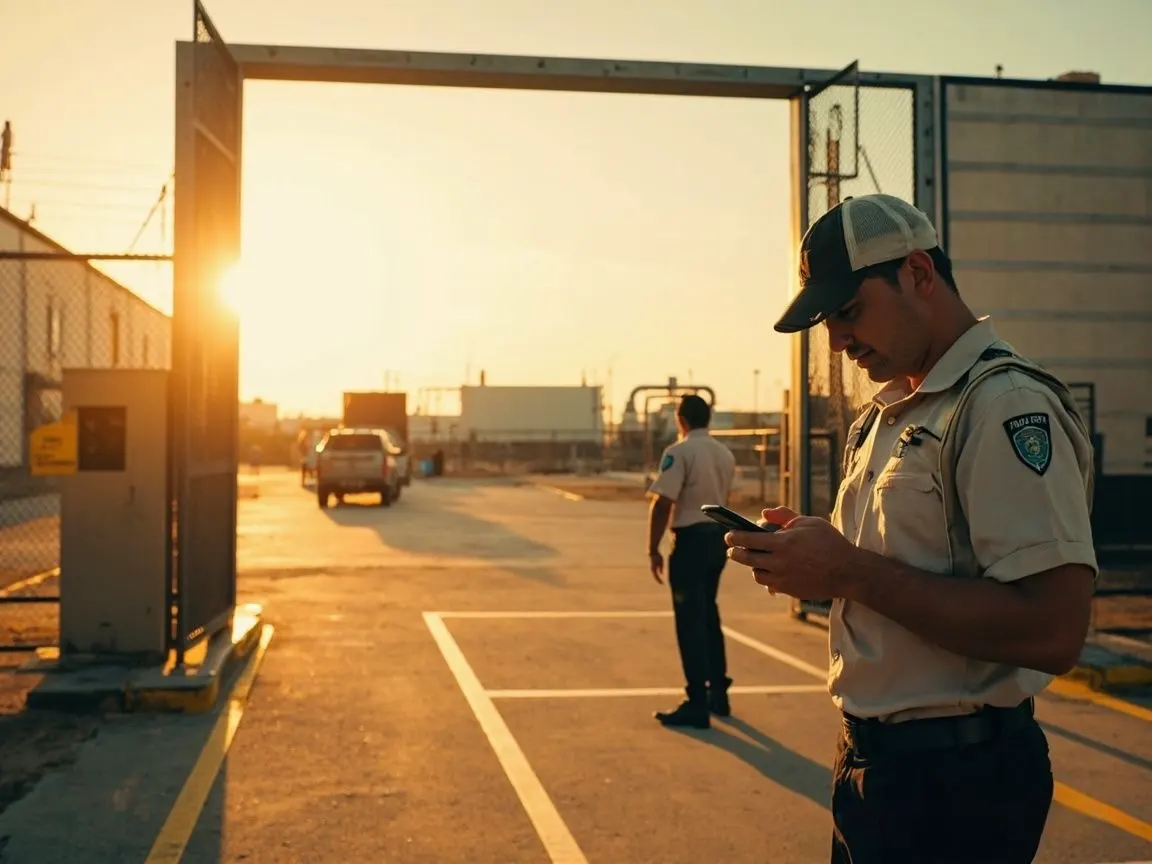
Security officer at an industrial entrance in a southern or Mexican-style facility, checking access information on a smartphone
Industrial environment where entry events appear instantly on the web dashboard.
Container port · Dock area

Patrols between containers keep port activity documented in one digital timeline.

Security officer walking between cargo containers in a U.S. seaport while using a mobile device
Container yard where cargo areas, access routes and safety checks stay visible online.
Downtown · High-rise

City-center operations with online access to timelines from anywhere in the U.S.
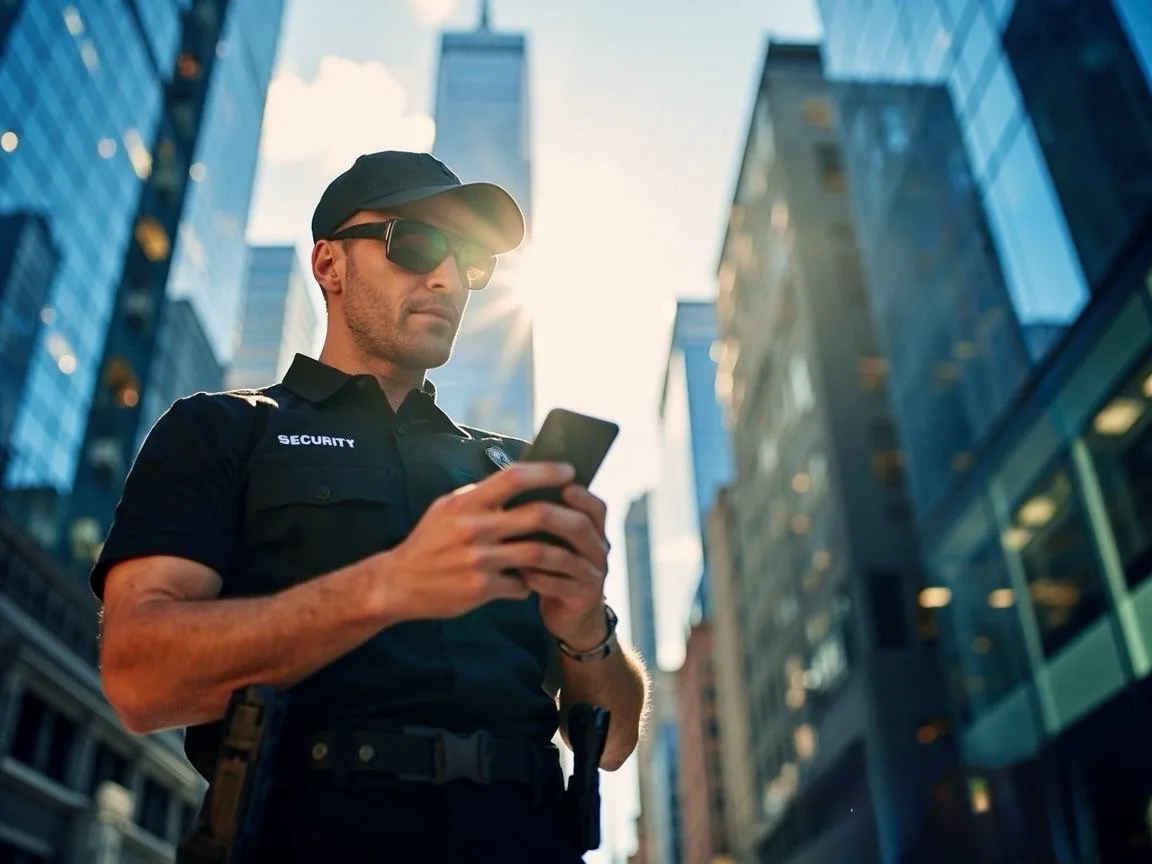
Security professional using a smartphone in a downtown high-rise district with glass buildings
Supervisors and clients can review results through a browser — ideal for resources and case studies.
Factory gate · Team communication

Field staff receive instructions by secure chat while they are on site.
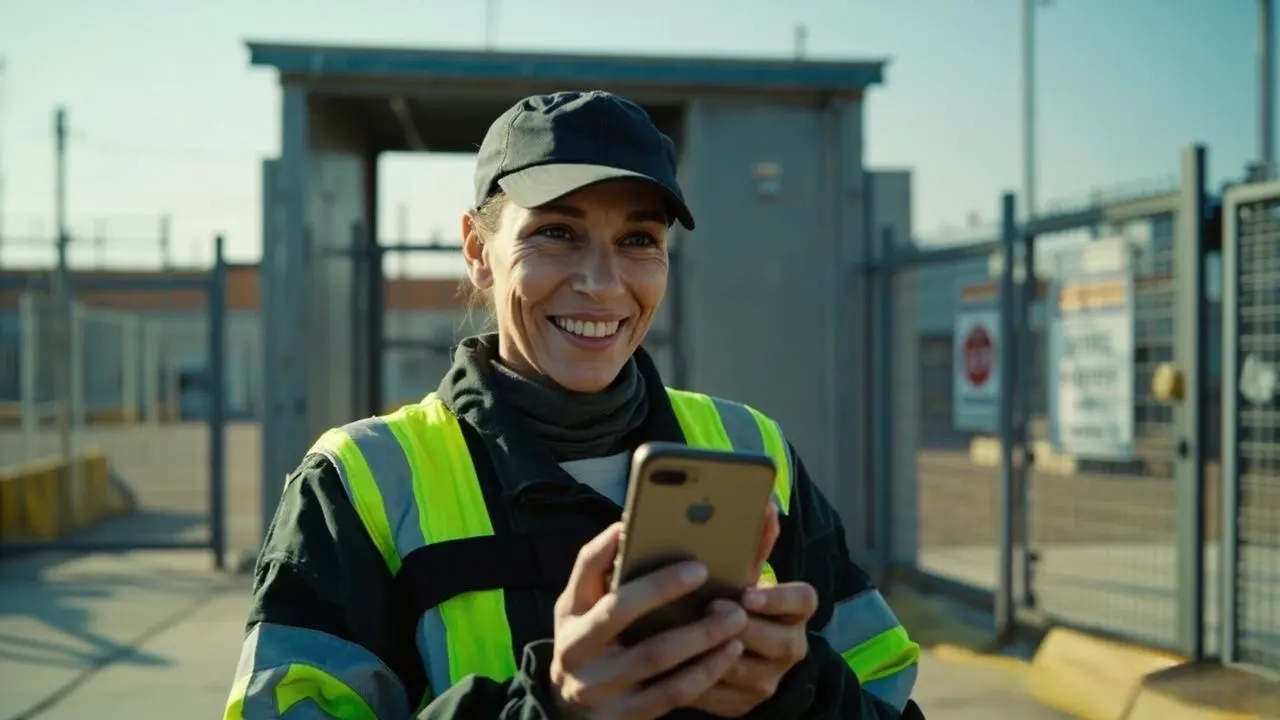
Female security officer smiling while reading a message on a smartphone near an industrial gate
The app connects the operations center and people in the field so safety information never gets lost.
Truck entry · Vehicle access

Vehicle arrivals are recorded with photos, driver details and time stamps in one place.
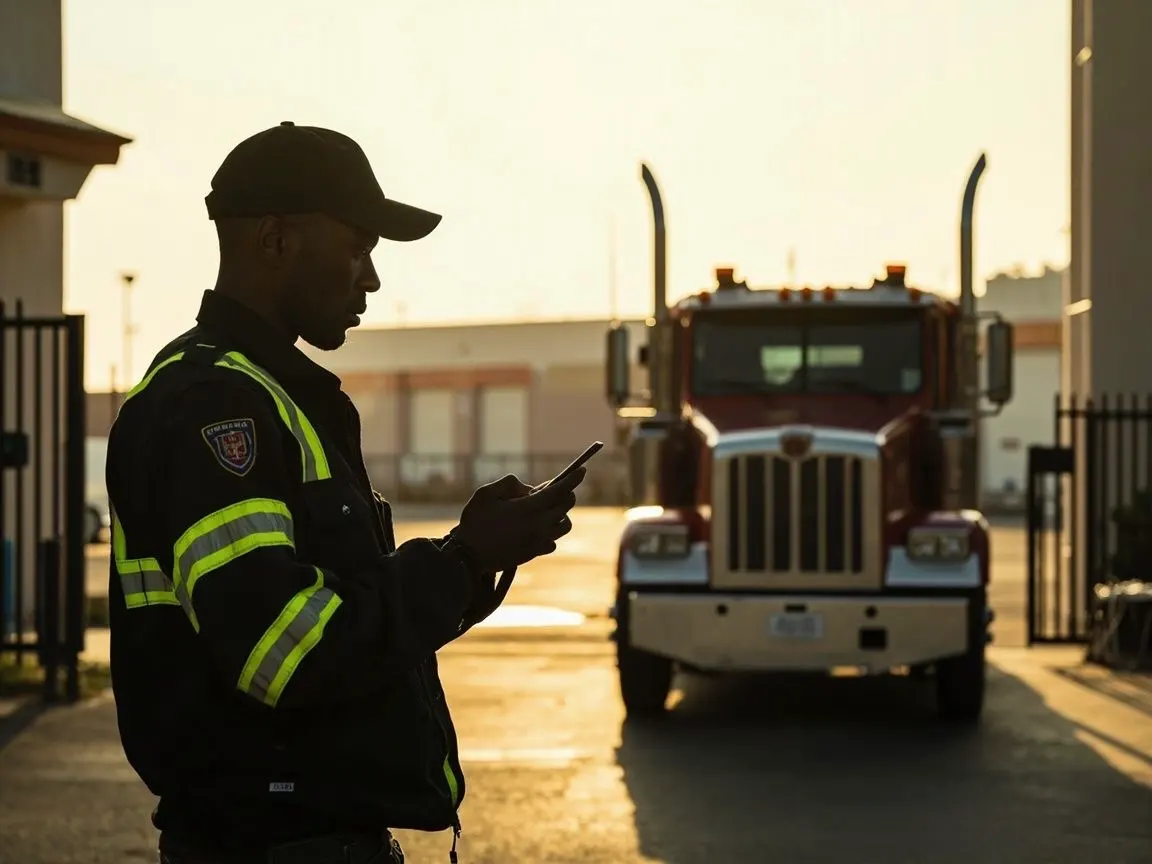
Security officer standing in front of a truck at a factory gate while recording entry information on a mobile phone
Industrial site where each truck entry becomes a digital event that managers can review instantly.
Operations center · Multi-site view

Operators see live timelines, sites and safety events on a multi-screen wall.

Operations center with several people monitoring multiple screens that show maps, timelines and live site activity
Built for nationwide operations that need consolidated information without losing local detail.
Control room · Audit-ready data

All data stays structured and audit-ready in a single control room.
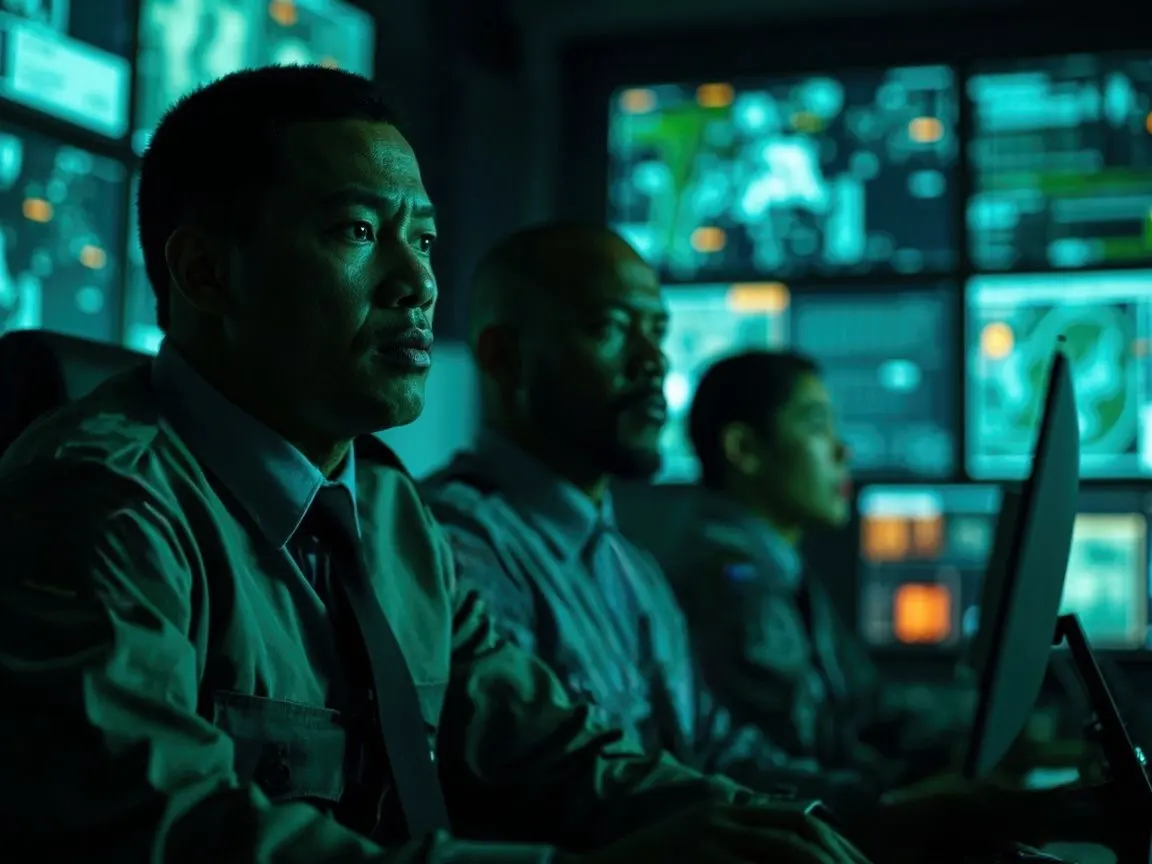
High-end control room with a large screen wall where an operator monitors digital dashboards
Enterprises use this environment to review workflows, resources and long-term case analysis.

Why choose Digital Guard Tour?

For security companies & businesses
Verified patrol activity, audit-ready documentation, and full transparency for clients.
GPS & QR verification
Every patrol and every checkpoint is verified, logged, and exportable anytime.
AI-powered patrol oversight
Faster, more reliable reporting with automated assistance and reduced human error.
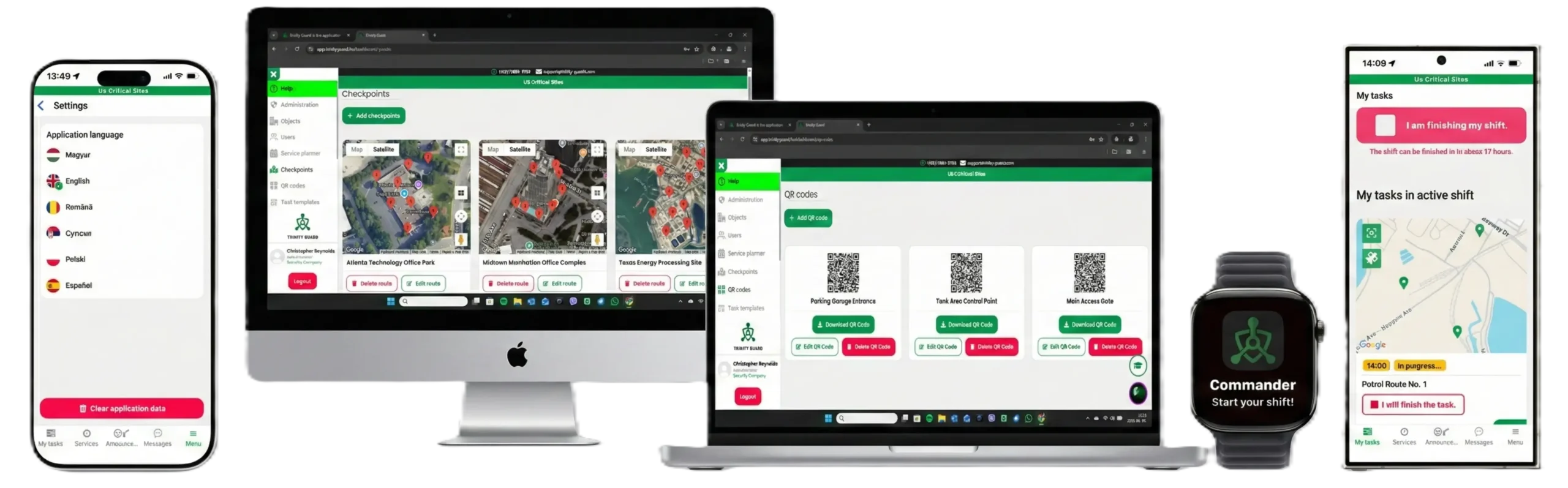
Web + Mobile applications
Chrome dashboard with full Android and iOS support — works anywhere, anytime.
Guard tour patrol system dashboard shown across monitor, laptop, mobile phone and smartwatch
Our partners

Trusted by security teams across the US and beyond

Digital Guard Tour is part of the Trinity Guard family of patrol solutions, already supporting security guards, security teams and business clients across multiple countries.

Digital Guard Tour finally gave us reliable patrol verification. No more paper logs, no more “creative” reports. Our clients love the GPS & QR reports and the read-only client access.

Operations Manager
Prime Watch Patrol, FL

We moved from a legacy wand system. Faster, easier for guards, and the AI alerts when something is off during a route are a real game changer.

Security Director
Guardian Patrol Group, IL

The bilingual app is perfect for English and Spanish-speaking guards. Rollout was quick, and accountability improved from day one.

Owner
Security Shield Inc., CA

500+ guards monitored across US & EU
8+ countries US, Latin America, Europe
24/7 patrols documented with GPS & QR
OVERVIEW VIDEO

Watch Our Trinity Guard Brand Video

This short video shows how our digital patrol system verifies guard tours in real time. For more demos, visit our YouTube channel or the app’s Help menu after registration.

▶ View more videos on our YouTube channel
Tip: Tutorial videos become available after registration inside the Help menu.
Carbon-neutral security technology

Our Commitment to a Carbon-Neutral Future

At Trinity Guard LLC, sustainability is not a marketing trend — it’s a core principle. Our Digital Guard Tour system, including the Trinity Guard Security Guard Application, is designed to minimise environmental impact through low-energy mobile apps and cloud-optimised data processing.

Because our software runs on existing Android and iOS smartphones, you don’t need any dedicated scanners or custom hardware. And unlike systems that rely on physical NFC tags, there’s no need to manufacture, replace or dispose of lost NFC discs — reducing waste, cost, and environmental impact.

Each patrol documented with Trinity Guard is a step toward a more sustainable, carbon-neutral security operation — without sacrificing control, transparency or reliability.

🌍 Greener Security • Lower Emissions • Zero Extra Hardware
Features

Key features of the Digital Guard Tour system

Everything you need to document guard patrols in real time — from GPS and QR verification to AI-powered oversight, incident reporting and multi-platform access.

GPS & QR checkpoint verification

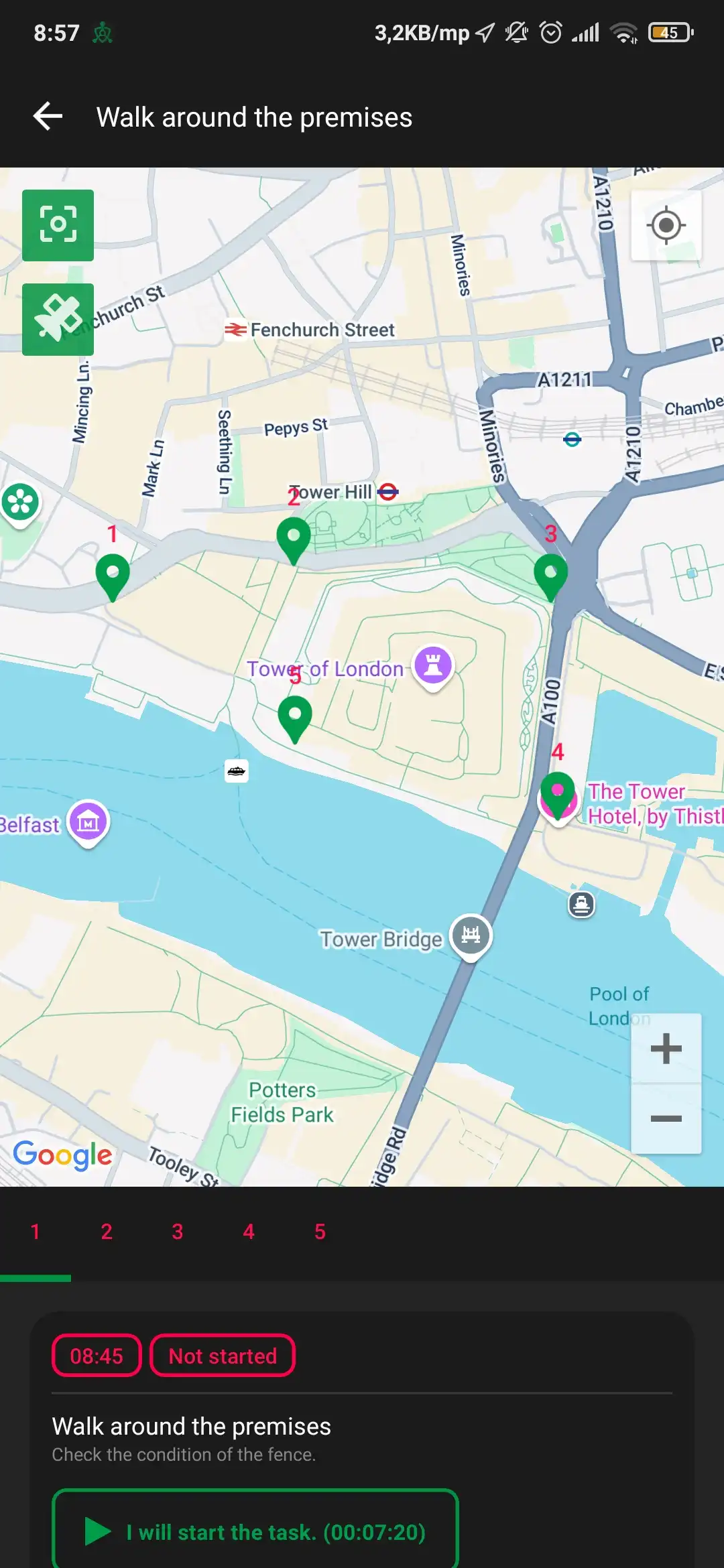
Each patrol route is recorded with GPS positions and secure QR scans at the checkpoints, so you can reconstruct where guards have been and when — even after the shift is finished.

Route logs Patrol history

Trinity Agent (AI) oversight

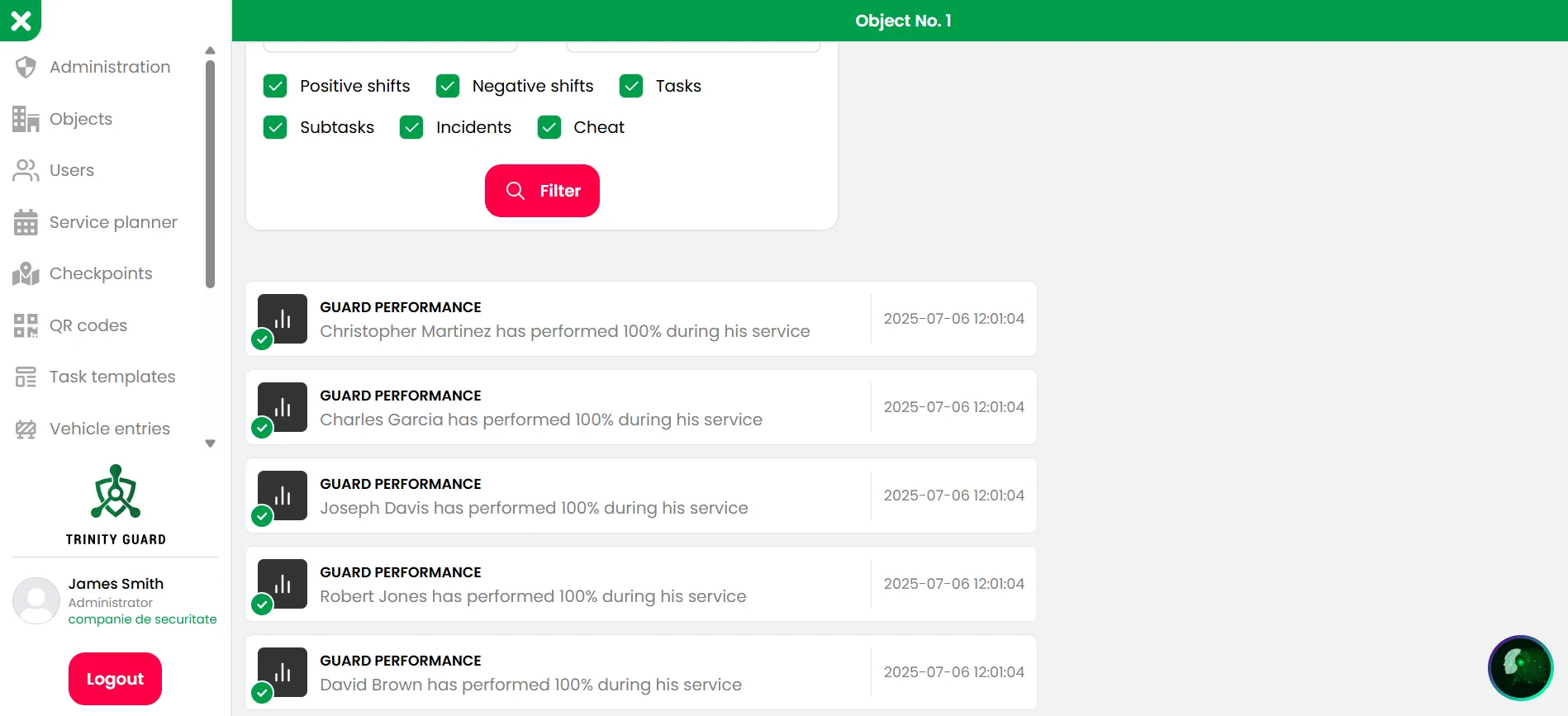
AI continuously looks for missed checkpoints, suspicious patterns and potential fraud attempts, highlighting exactly where patrols need attention.

Route deviations Anti-fraud

Real-time alerts & exceptions

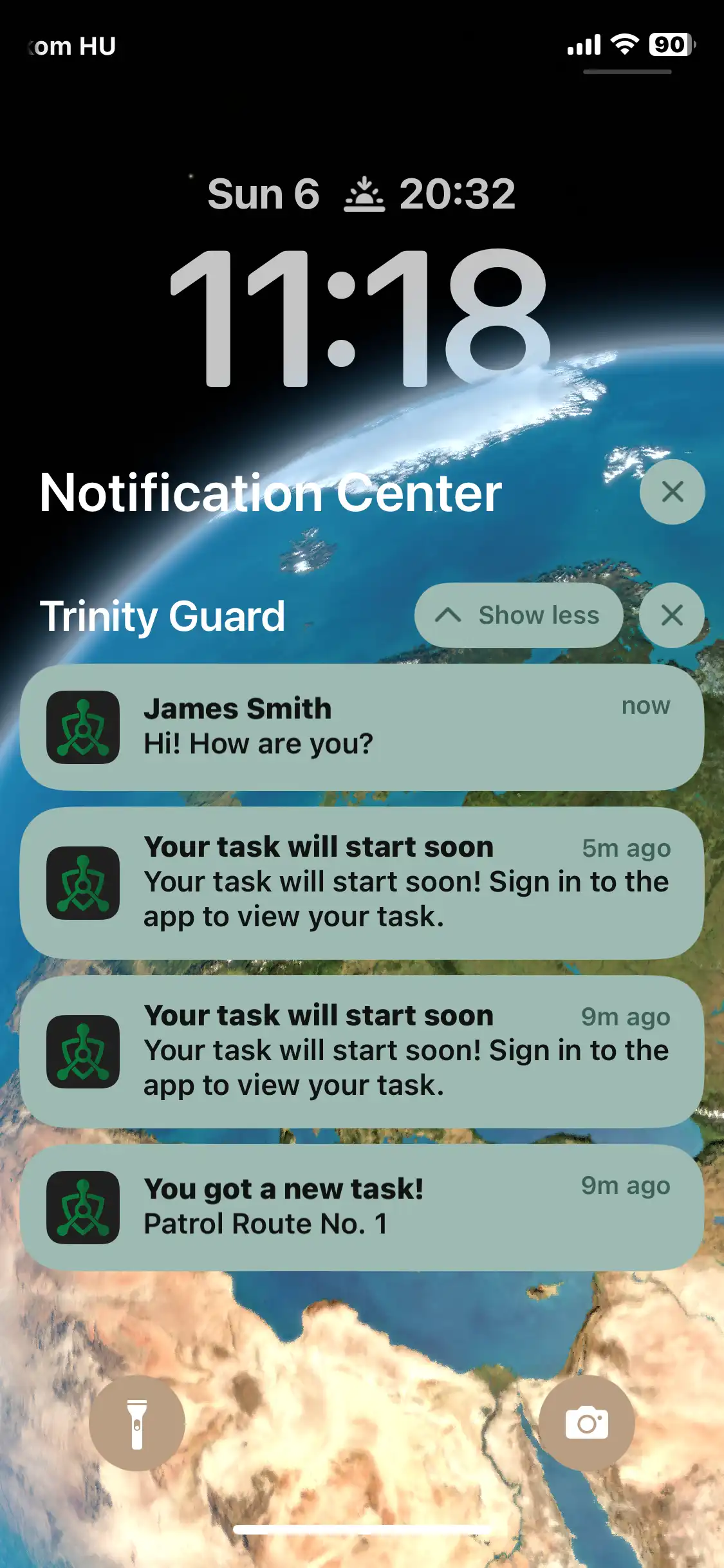
Get notified when patrols are late, checkpoints are skipped or incidents are reported, so supervisors can react while the shift is still in progress.

Shift alerts Daily summary

Audit-ready reporting

Automatic logs, incident reports and XLS exports make it easy to answer client questions and prove service levels during audits and inspections.

Patrol logs XLS export

Web + Android + iOS apps

Supervisors work in the web dashboard, guards use the mobile interface — and the full web version is also accessible on mobile for quick checks on the go.

BYOD ready Cloud-based

Low-impact, eco-friendly setup

No dedicated scanners or custom hardware to produce, ship or replace — just existing smartphones and cloud infrastructure, supporting a lower carbon footprint.

No extra devices Lower e-waste
Pricing

Flexible plans for growing security teams

Start small with the Mini plan and scale up as you add more sites and guards. All plans include GPS / QR patrol verification, reporting and Trinity Agent (AI).

Base price from $34 / month

The Mini plan is ideal for smaller security companies or pilot projects. It already covers 2 objects and up to 8 guards — with the full power of the Trinity Guard platform.

  • Verified patrols with GPS and QR checkpoints.
  • Web dashboard for supervisors + mobile app for guards.
  • 14-day free trial before you decide to subscribe.
  • Billing options: 1 / 3 / 6 / 12 months.
  • Secure payments via Stripe or ACH transfer — no card required for the 14-day free trial.
View full pricing table

See all plans from Mini to Unlimited — and choose the right combination of sites and guards.

Most common starting point

Mini plan

$34 / month
billed monthly · upgrade anytime
2 objects
up to 8 guards
  • GPS + QR-based patrol verification.
  • Incident reports with photos and notes.
  • Supervisor web dashboard (Chrome).
  • Android + iOS mobile app for guards.
  • Includes Trinity Agent (AI) oversight.
PAYMENTS & SUBSCRIPTIONS
Powered by Stripe

Your card data never touches our servers – billing is handled directly by Stripe’s PCI-compliant infrastructure.

💡 Tip: The full web dashboard is also accessible on mobile — you can manage sites, guards and reports directly from your phone.
Want to recommend us to your clients? Check out our Referral Program and earn rewards! →

Frequently Asked Questions

Quick answers about setup, the mobile app, AI (Trinity Agent), reporting, and subscriptions.

Setup & Account

What do I need to get Trinity Guard up and running?
  • Create a company account and add billing details.
  • Install the mobile app on guards’ phones (iOS / Android).
  • Define sites, checkpoints (QR / GPS), and patrol routes.
  • Invite users (supervisors/dispatchers and guards) and assign roles.
How long does the initial configuration take?

Typically 30–90 minutes, depending on the number of sites and checkpoints. Large rollouts depend on volume (points, shifts, users).

Do you help with onboarding?

Yes. Our support team guides you through setup online. Key steps for the mobile app and web dashboard are also covered in short how-to videos.

Mobile App

Does the app work offline?

Partially. For GPS-based patrols, an internet connection is required at the start and end (for sync).
For QR-based patrols, continuous connectivity is required because AI performs anti-fraud analysis during the entire round.

What iOS versions are supported?

We support iOS 16 or newer.

What Android versions are supported?

We support Android 11 or newer.

Can we use personal phones (BYOD)?

Yes. Trinity Guard works on company-issued and personal devices. You may optionally enforce MDM/EMM policies. Location tracking occurs only while on shift, according to your configured settings.

Trinity Agent (AI)

How does AI detect route deviations or fraud attempts?
  • Missed/Skipped points: automatic alerts when a guard leaves the route or misses a checkpoint.
  • QR anti-fraud: detects scans from screens/printouts and anomalies (e.g., unrealistically fast scanning).
  • GPS ↔ QR correlation: time/position inconsistencies trigger additional verification and alerts.

Reports & Audit

What roles and permissions are available?

Roles include Administrator, Supervisor/Dispatcher, Guard, and Site-limited Admin (access only to assigned locations). Permissions are granular.

What reports can I generate?
  • Patrol logs (time, route, completed/missed checkpoints).
  • Incident reports with photos/videos and GPS data.
  • Shift reports (presence, delays, route deviations).
  • Export to Excel (XLS) for audits and client summaries.
Can I give clients read-only access?

Yes. You can grant read-only access so clients or auditors can review activity without admin rights.

  • View-only — no editing or deletion.
  • Per-site & date filters — each client sees only assigned locations.
  • Access logs — every visit is recorded.
  • XLS export — anything visible can be exported for audit trails.

Pricing

What subscription model do you offer?

Monthly subscription with plans sized to your sites and users. Start with a 14-day free trial before you subscribe.

🔗 View U.S. pricing →

DATA & COMPLIANCE

What alerts do I receive and how fast?

In the web dashboard, alerts appear in real time.
We also send a daily email summary covering the day’s events.

How do you handle personal data and compliance?
  • Data minimization: we process only what’s needed to operate (on-shift location, patrol/incident data).
  • Access control: granular roles; optional read-only access for clients/auditors.
  • Transparency: see our Privacy Policy.
  • Retention: your admin configures retention and can export to XLS when required.

DigitalGuardTour.com Awards 🏅 AWARDED 2025

DigitalGuardTour.com operates its own Security Tech Lab that reviews guard tour platforms against real-world U.S. and LATAM operations – patrol verification, incident reporting and command oversight.

Internal benchmark vs. legacy guard tour systems Focus on AI-powered patrol verification and incident proof Only platforms with full PRO features by default qualify for these awards
🏆
Top Guard Tour System 2025 Issued by DigitalGuardTour.com Security Tech Lab
🏅
AI Patrol Verification Excellence For smart detection of missed or fake patrols
🛡️
Security Operations Choice Preferred by multi-site guarding teams in the U.S. & LATAM
📊
Incident & Evidence Reporting Award Photo proof, GPS, timestamps – all in one log
All awards are part of the internal DGT Security Tech Lab evaluation – independent, in-house scoring for guard tour systems.
Contact

Talk to the Trinity Guard team

Have questions about pricing, setup or how the Trinity Guard Patrol Tour System works in real life? You can also request a LIVE demo — our team will walk you through the system, show how every patrol is documented with QR, AI and real-time data, and help you choose the right plan for your business.

Work with security clients yourself? Learn about our Referral Program →
powered by Trinity Guard LLC • founded by Gyula Györfi & Gyula Györfi Jr.